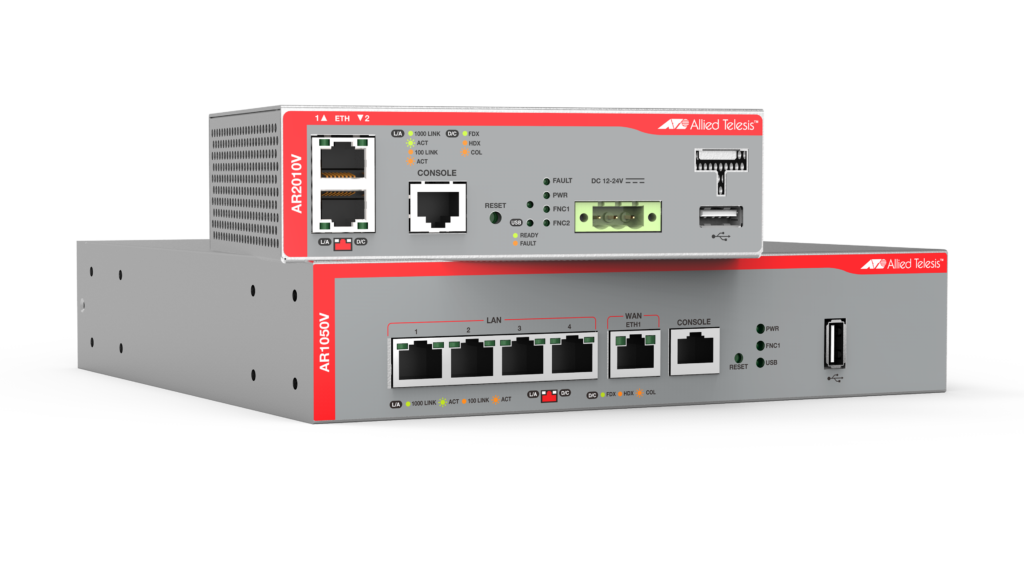
Allied Telesis Secure VPN Routers combine comprehensive security features with powerful routing and switching functionality to provide a secure, high performance security solution. Some models include Vista Manager mini to manage and monitor your wireless network, enabling an ideal integrated small business solution.
Overview
- Manage wireless access points with Vista Manager mini, which automatically optimizes performance, while floor and heat maps enable visual monitoring (AR2010V only)
- Provide reliable site-to-site VPNs between branch offices and headquarters, so all staff can access corporate resources
- Staff can securely access business applications when working from home or away from the office with SSL VPNs
- The compact AR2010V has a small form factor and extended temperature range making it perfect for Machine to Machine (M2M) connectivity
Key Features
- Easy to manage with industry-standard CLI and web GUI
- Easy-start wizards for Internet and VPN connectivity
- Extended temperatures and AC or DC power options on the AR2010V
- IPv4 and IPv6 routing support for unicast and multicast traffic
- SD-WAN load-balancing (AR2010V only)
- Sophisticated traffic shaping prioritizes critical traffic
Certifications and Compliance

IPv6 Ready
Run by the IPv6 Forum, IPv6 Ready certification demonstrates conformance to IPv6 standards and validates interoperability of IPv6 products.
All Models
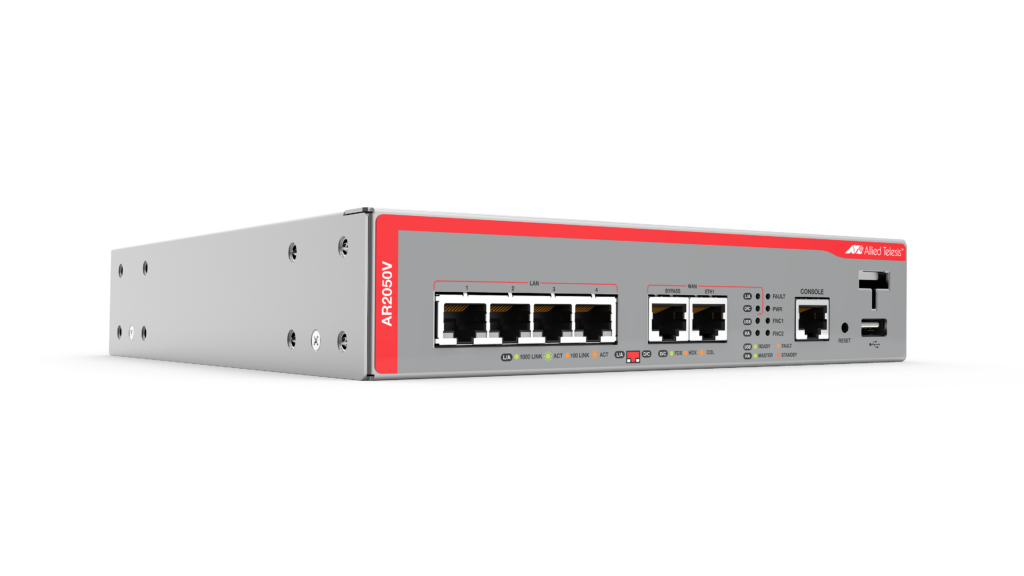
AR2050V
The AR2050V Secure VPN Router is the ideal secure branch office gateway for modern businesses. Powerful VPN functionality and firewall protection combine to provide high performing WAN connectivity.
Add to quote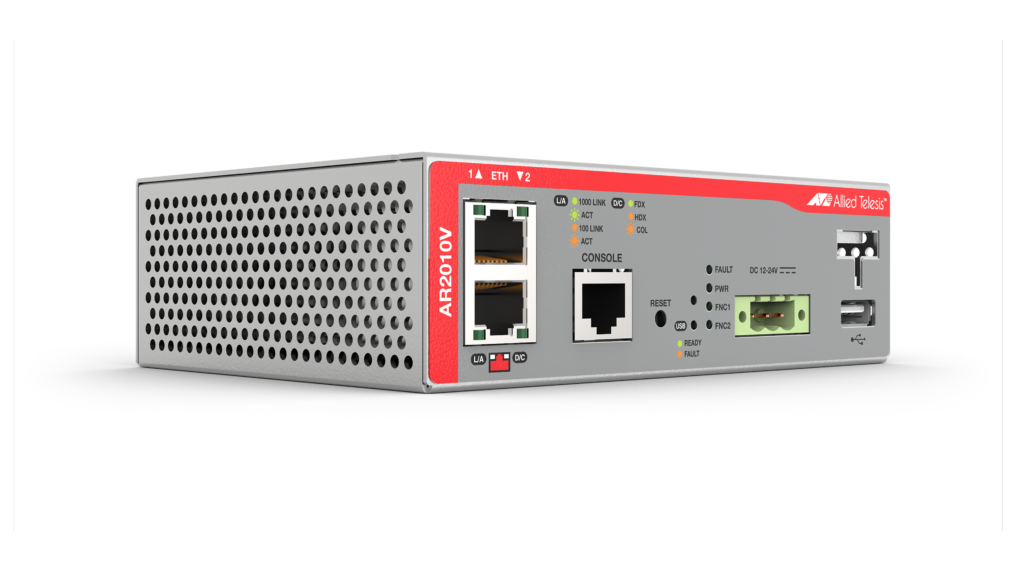
AR2010V
The AR2010V Compact Secure VPN Routers are ideal for secure M2M (machine-to-machine) connectivity, supporting modern IoT and Smart City deployments.
Add to quote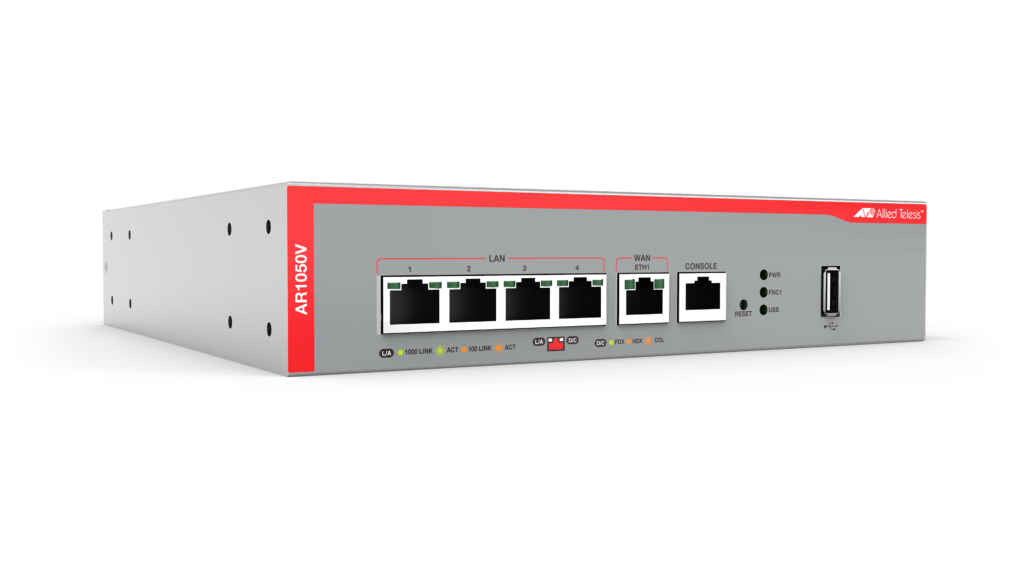
AR1050V
The Allied Telesis AR1050V Secure Virtual Private Network (VPN) Router is the ideal secure gateway for modern businesses.
Add to quoteAccessories
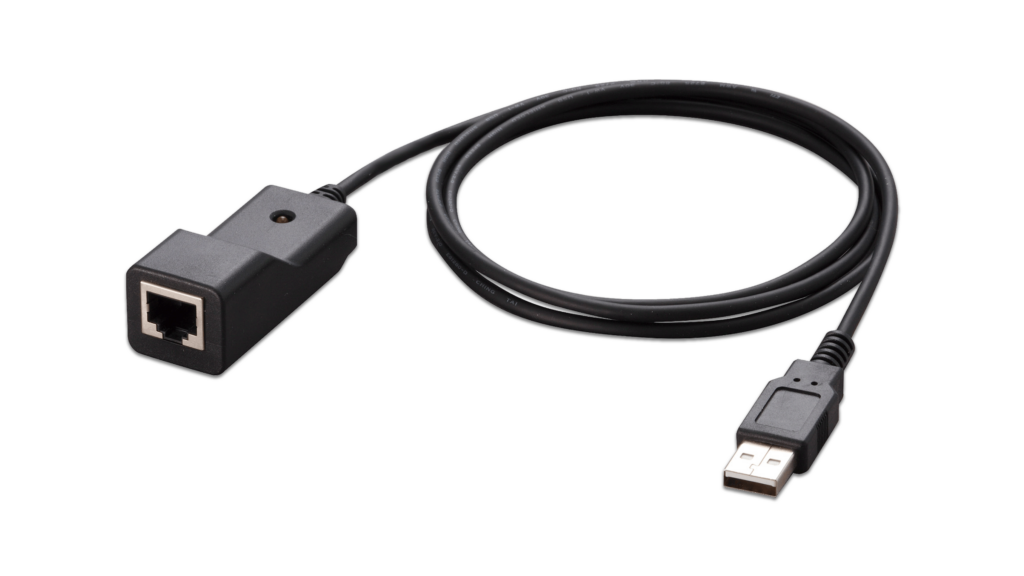
VT-Kit3
Management cable (USB to Serial Console)
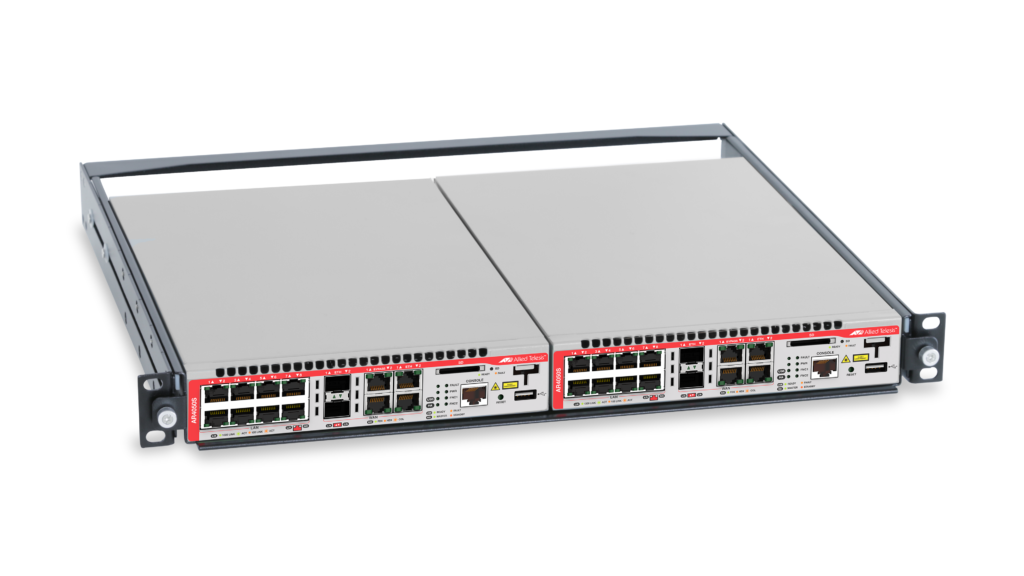
RKMT-J15
Rackmount kit to install two devices side by side in a 19-inch equipment rack
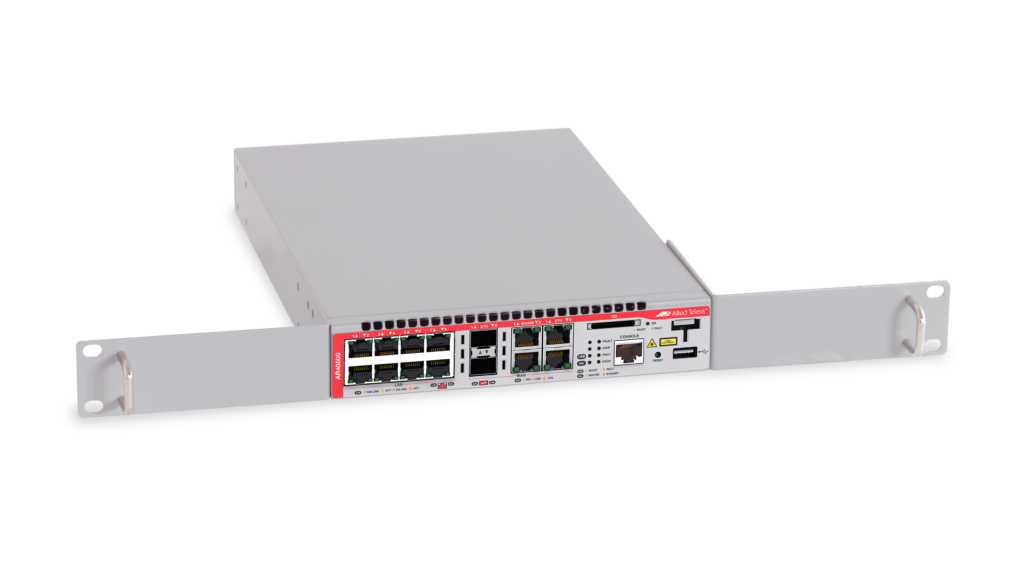
RKMT-J14
The RKMT-J14 rackmount kit to install one device in a 19-inch equipment rack
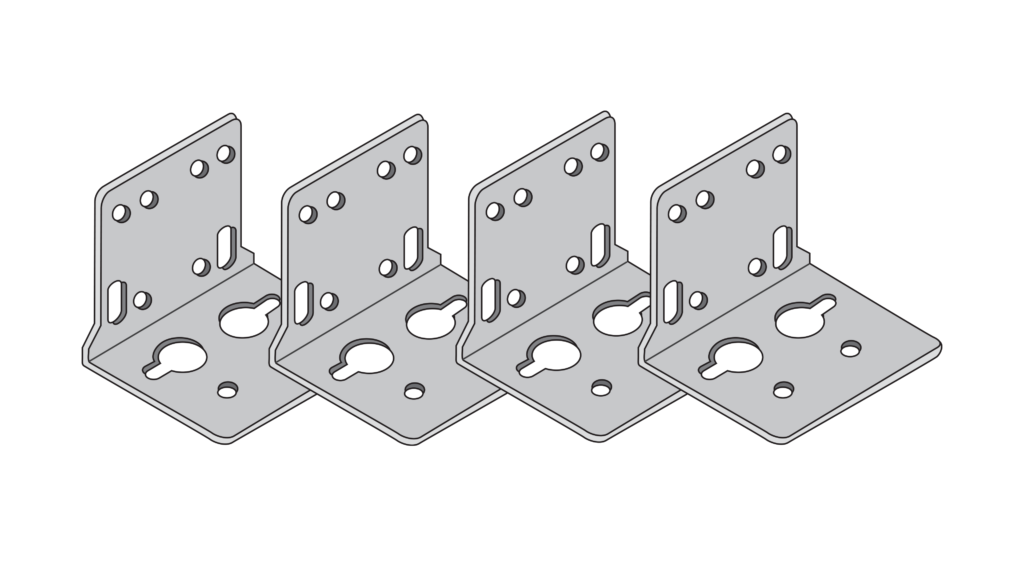
BRKT-J24
Wall mount kit for small switches.
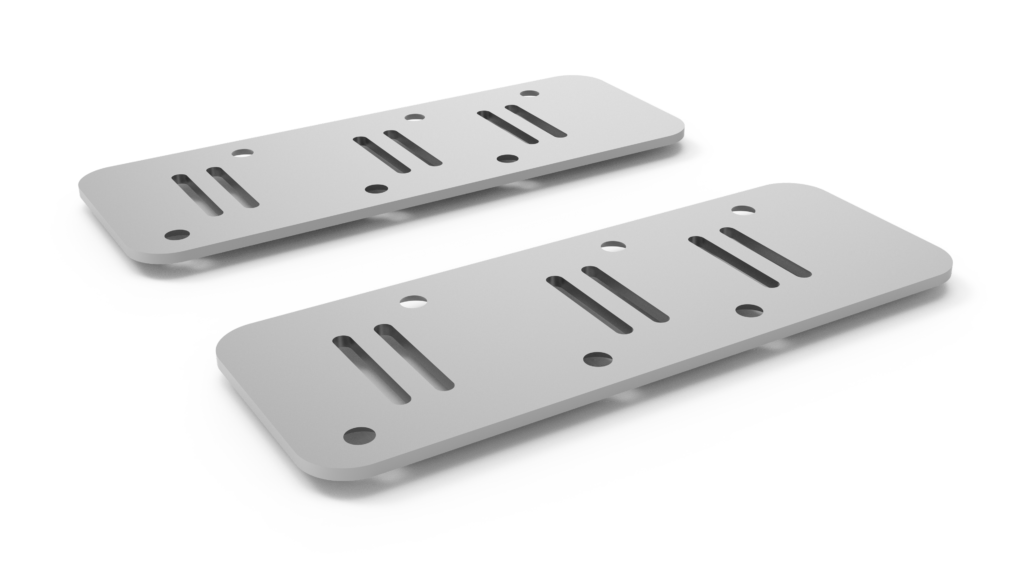
STND-J03
AT-STND-J03 is a dedicated kit for installing Allied Telesis hardware products vertically.
Documentation

What is Autonomous Wave Control (AWC)?
Simplify deployment, reduce operating costs, and provide a superior user experience for your wireless network with Autonomous Wave Control from Allied Telesis.
Video: Total Autonomous Networking
Total Autonomous Networking ensures business security and agility, with powerful automation and optimization features across the LAN and WAN.

Release Notes for AlliedWare Plus™ Version 5.4.5-x.x
This release note describes the new features, enhancements and fixes in AlliedWare Plus version 5.4.5-x.x

3G/4G USB Modem compatibility
The list of USB modems compatible with Allied Telesis products.

Getting Started with the Device GUI on VPN Routers
This guide shows how to configure a VPN Router (AR1050V, AR2050V or AR2010V) using the Graphical User Interface (GUI).
OSPFv3 Feature Overview and Configuration Guide
This guide will teach you the basics of using OSPFv3 on AlliedWare Plus, and how to view and monitor your OSPFv3 set up and behaviour.
Getting Started with the AlliedWare Plus Command Line Interface
This guide introduces a number of commonly-used management features of the AlliedWare Plus Operating System.
Firewall and Network Address Translation (NAT) Feature Overview and Configuration Guide
This guide gives an overview of the Firewall and NAT on AlliedWare Plus UTM Firewalls and Secure VPN Routers, followed by examples illustrating how to configure them in various network situations.
Release Notes for AlliedWare Plus™ Version 5.4.7-x.x
This release note describes the new features, enhancements and fixes in AlliedWare Plus version 5.4.7-x.x
Domain Name System (DNS) Feature Overview and Configuration Guide
The Domain Name System allows you to access remote systems by entering human-readable device hostnames rather than IP addresses.
AAA and Port Authentication Feature Overview and Configuration Guide
This guide describes the AlliedWare Plus implementation of Authentication, Accounting and Authorization and Port Authentication.
Support for Allied Telesis Enterprise MIBs in AlliedWare Plus
This guide describes the AlliedWare Plus™ Management Information Base (MIB) and MIB objects that are supported.
Related Videos
What is Autonomous Wave Control (AWC)?
Video: Total Autonomous Networking