
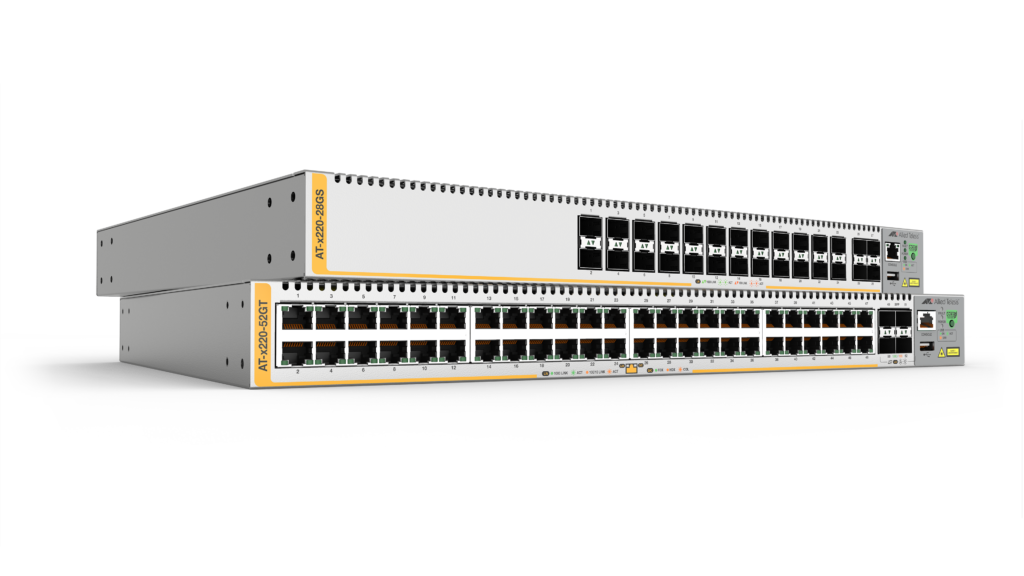
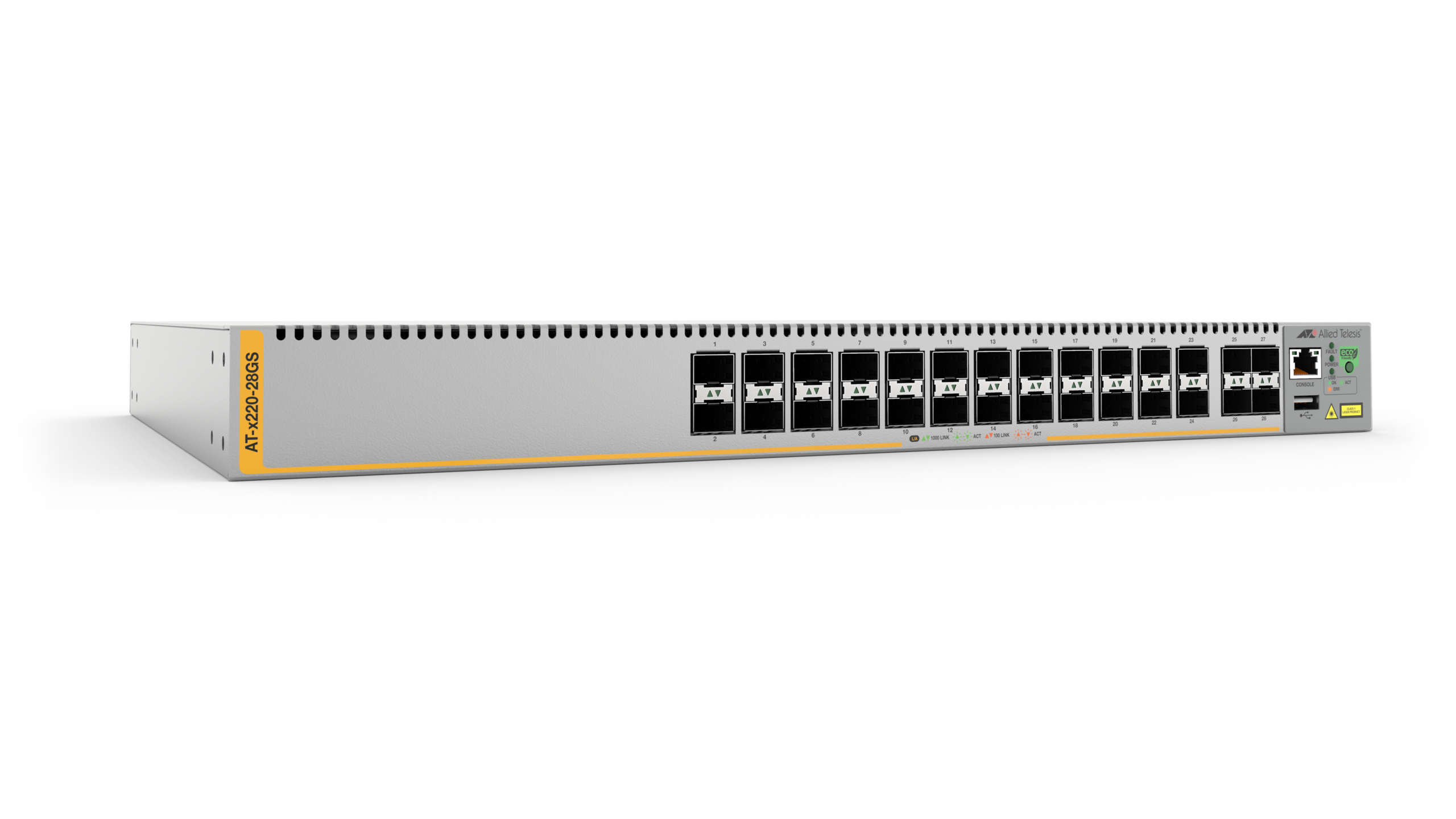
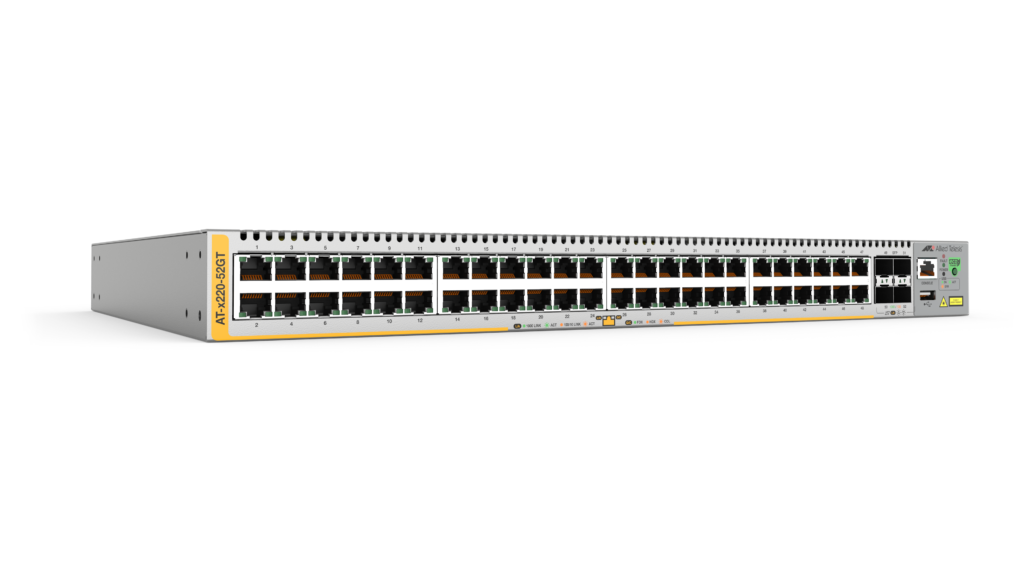
The Allied Telesis x220 Series are fully managed high-performing Gigabit Layer 3 switches. Integrated security features, and 28 SFP or 48 Gigabit copper ports, enable long-distance fiber, or high-density copper connectivity at the edge of the network.
Overview
- Connect and power security cameras, wireless access points, and other devices with Power over Ethernet (PoE+)
- Expand network reach while keeping simple operation in distributed environments with long-distance fiber connectivity
- Prevent eavesdropping of sensitive data on fiber links with Active Fiber Monitoring
- Reduce costs and automate network and device management with Autonomous Management Framework™ Plus (AMF Plus)
- Support resilient high-speed ring-based networks with Ethernet Protection Switched Ring (EPSRing™)
Key Features
- ACLs manage access and control traffic across the network
- AlliedWare Plus™ Enterprise-class operating system
- Continuous PoE maximizes endpoint connectivity
- Fiber and Copper port models enable flexible deployment
- sFlow enables network performance monitoring and optimization
- Static and dynamic (RIP) routing for L3 environments
Certifications and Compliance
FIPS 140-2
Created by the U.S. government, FIPS 140-2 is a security standard used to validate the strength and integrity of cryptographic software modules.

IPv6 Ready
Run by the IPv6 Forum, IPv6 Ready certification demonstrates conformance to IPv6 standards and validates interoperability of IPv6 products.

JITC
JITC is a test and evaluation organization that certifies IT equipment for use on secure US Government and Department of Defense networks (aka DoDIN APL).
Specifications
| Product | 10/100/1000T Copper Ports | 100/1000X SFP Ports | Total Ports | PoE Enabled Ports | Switching Fabric | Forwarding Rate |
|---|---|---|---|---|---|---|
| x220-28GS | – | 28 | 28 | – | 56Gbps | 41.7Mpps |
| x220-52GP | 48 | 4 | 52 | 48 | 104Gbps | 77.4Mpps |
| x220-52GT | 48 | 4 | 52 | – | 104Gbps | 77.4Mpps |
Physical
| Product | Width x Depth x Height | Mounting | Unpackaged Weight | Packaged Weight | Packaged Dimensions |
|---|---|---|---|---|---|
| x220-28GS | 441 x 323 x 44 mm (17.36 x 12.72 x 1.73 in) |
1RU Rack-mount | 4.3 kg (9.47 lbs) | 6.1 kg (13.45 lbs) | 575 x 445 x 150 mm (22.64 x 17.52 x 5.90 in) |
| x220-52GP | 441 x 359 x 44 mm (17.36 x 14.13 x 1.73 in) |
1RU Rack-mount | 5.8 kg (12.79 lbs) | 7.8 kg (17.20 lbs) | 575 x 520 x 150 mm (22.64 x 20.47 x 5.90 in) |
| x220-52GT | 441 x 323 x 44 mm (17.36 x 12.72 x 1.73 in) |
1RU Rack-mount | 4.5 kg (9.92 lbs) | 6.4 kg (14.12 lbs) | 575 x 445 x 150 mm (22.64 x 17.52 x 5.90 in) |
Power and Noise Characteristics
| Product | No PoE Load Max Power Consumption | No PoE Load Max Heat Dissipation | No PoE Load Noise | Full PoE+ Load (PWR800) Max Power Consumption | Full PoE+ Load (PWR800) Max Heat Dissipation | Full PoE+ Load (PWR800) Noise | PoE Budget Power | 15W PoE Sourcing Ports | 30W PoE+ PoE Sourcing Ports |
|---|---|---|---|---|---|---|---|---|---|
| x220-28GS | 52W | 179 BTU/h | 39 dBA | – | – | – | – | – | – |
| x220-52GP | 48W | 164 BTU/h | 42 dBA | 909W | 577 BTU/h | 42 dBA | 740W | 48 | 24 |
| x220-52GT | 47W | 160 BTU/h | 39 dBA | – | – | – | – | – | – |
Ordering Information
AT-x220-28GS-xx
28-port 100/1000X SFP switch
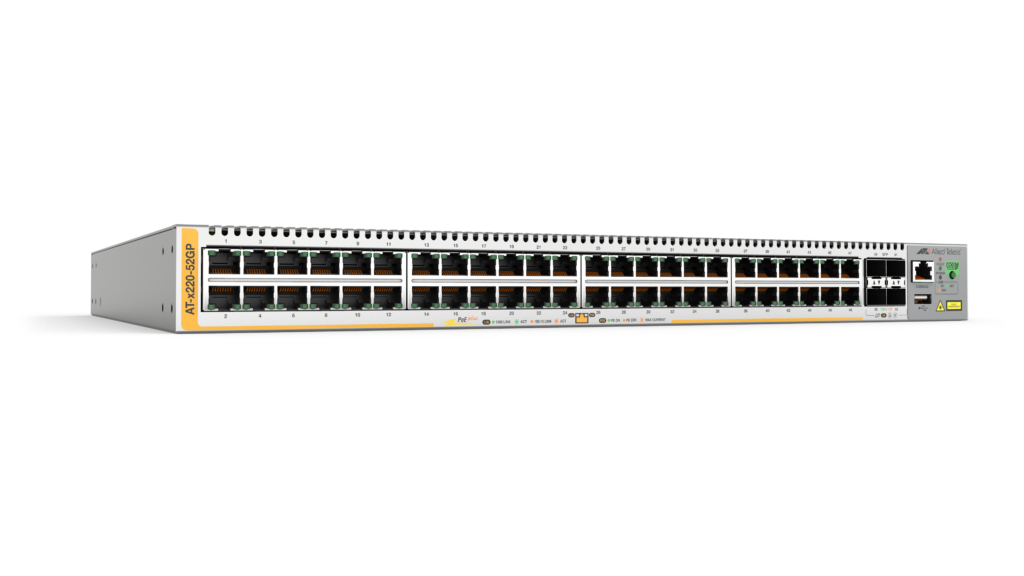
AT-x220-52GP-xx
48-port 10/100/1000T-POE+ switch with 4 SFP
uplink ports and single fixed PSU
AT-x220-52GT-xx
48-port 10/100/1000T switch with 4 SFP uplink
ports and single fixed PSU
AT-VT-Kit3
Management Cable (USB to Serial Console)
Where xx =
10 for US power cord
20 for no power cord
30 for UK power cord
40 for Australian power cord
50 for European power cord
19 inch rack-mount brackets included with every switch
Feature Licenses
| Name | Description | Includes |
|---|---|---|
| AT-FL-x220-8032 | ITU-T G.8032 license | G.8032 ring protection Ethernet CFM |
| AT-FL-x220-CPOE | Continuous PoE license | Continuous PoE power for x220-52GP only |
All Models
Accessories
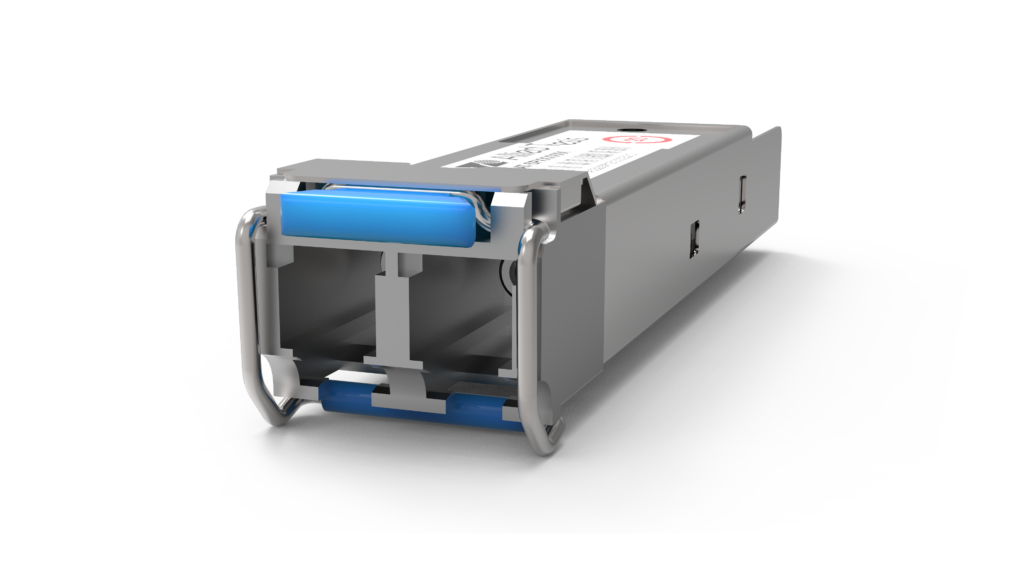
SPFX/2
100FX (LC), multi-mode, 2km
SPFX30/I
100FX (LC) single-mode SFP, 30km, I-Temp
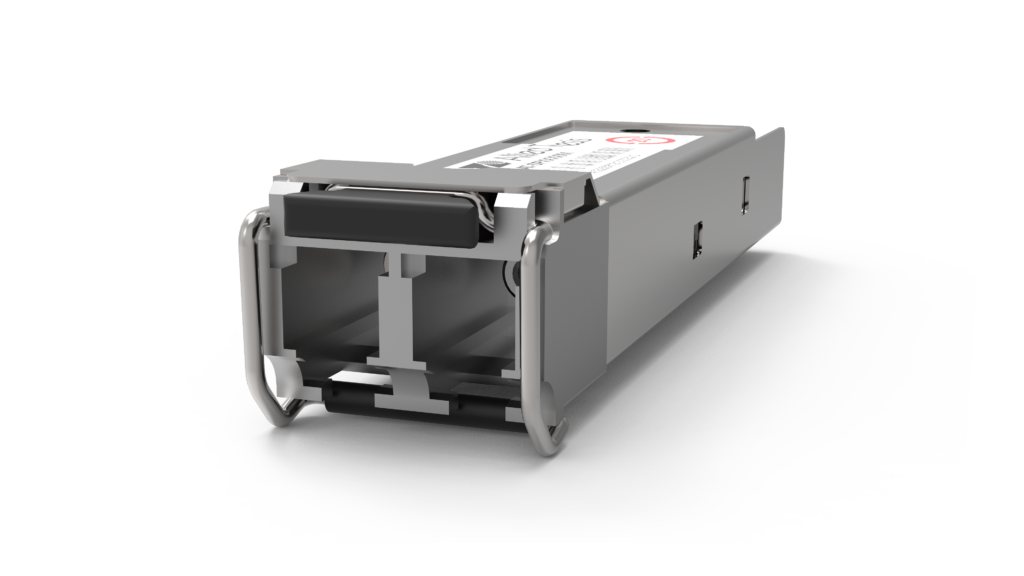
SPSX
1000SX (LC), multi-mode, 220-550m
SPSX/I
1000SX (LC) multi-mode, I-Temp, 220-550m
SPEX
1000SX (LC) Multi-Mode, 2km
SPLX10a/I
1000LX (LC) single-mode SFP, I-Temp, 10km
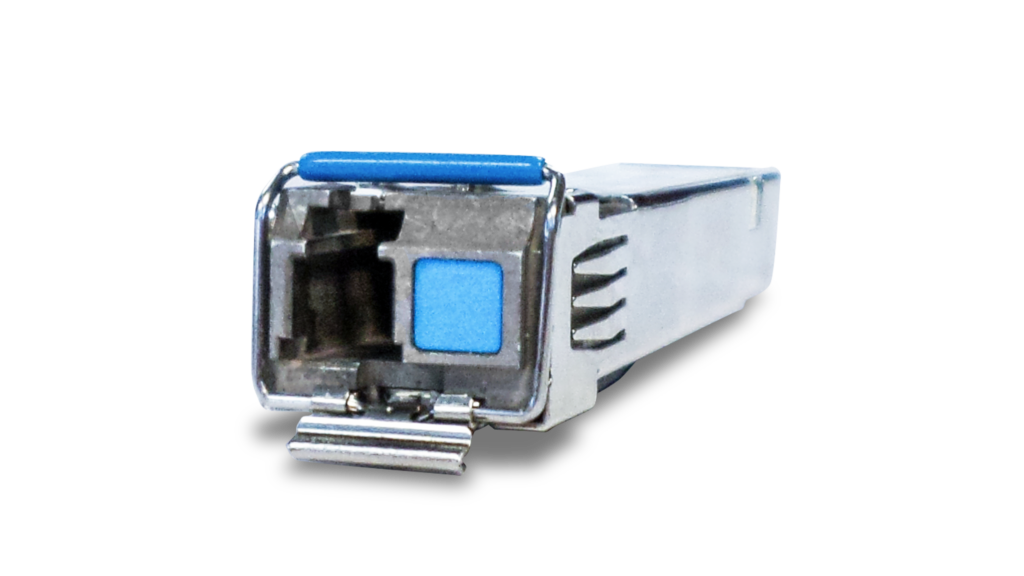
SPBD10
1000LX (LC) single-mode BiDi, 10km
SPLX40
1000EX (LC), single-mode, 40km
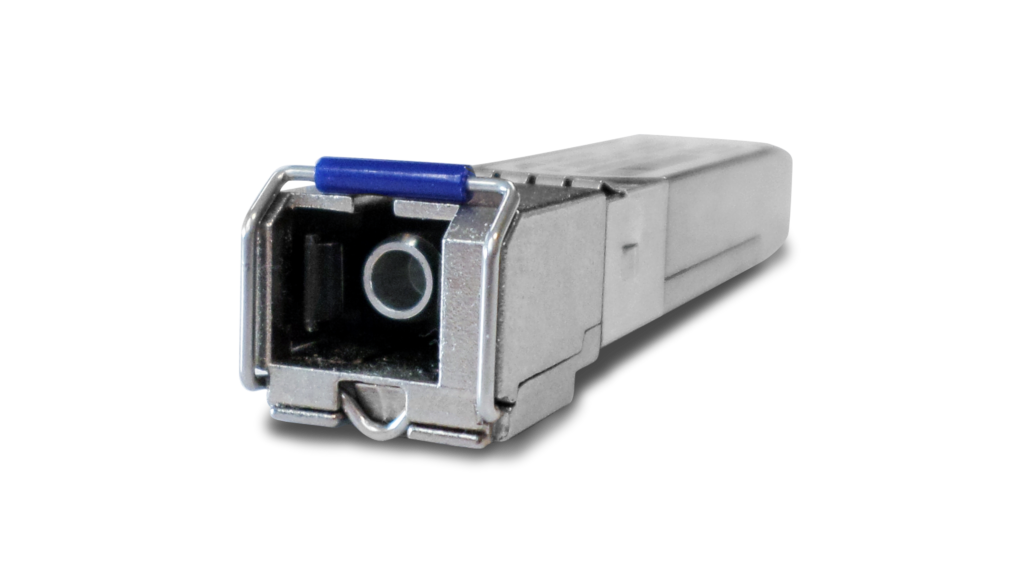
SPBD20-xx/I
1000LX (SC) Single-Mode BiDi, I-Temp, 20km
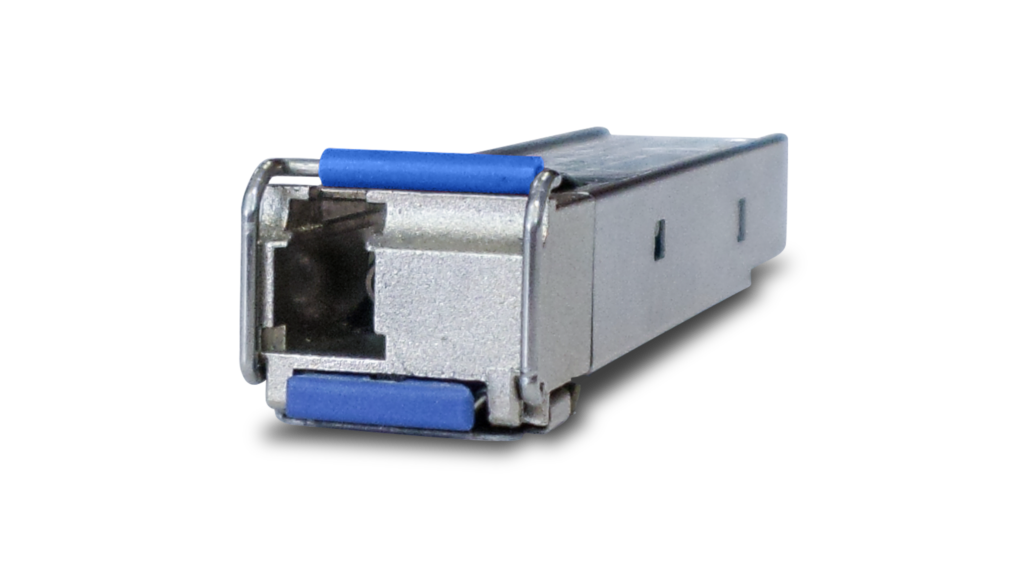
SPBD40-xx/I
1000LX (LC) single-mode BiDi, I-Temp, 40km
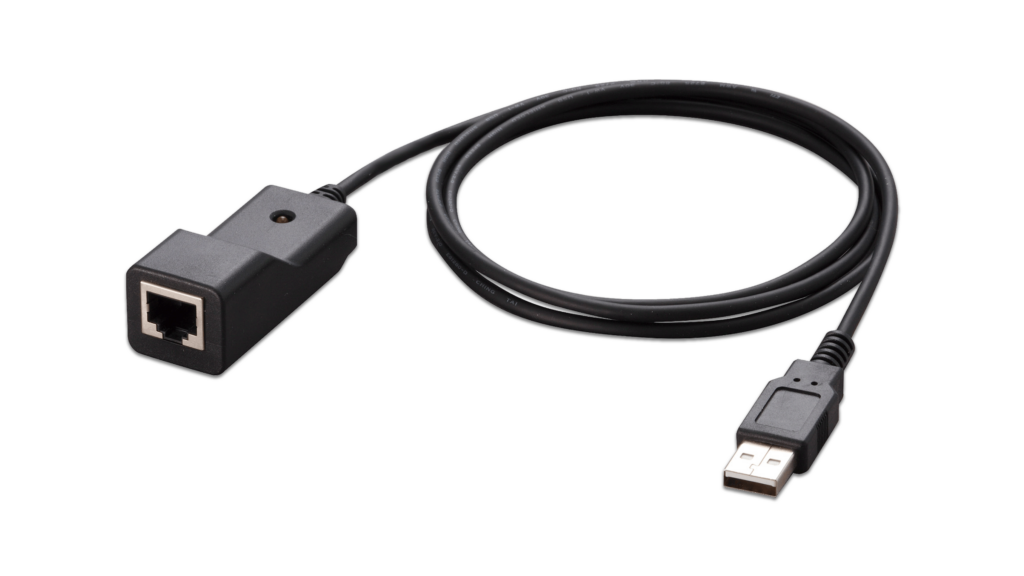
VT-Kit3
Management cable (USB to Serial Console)
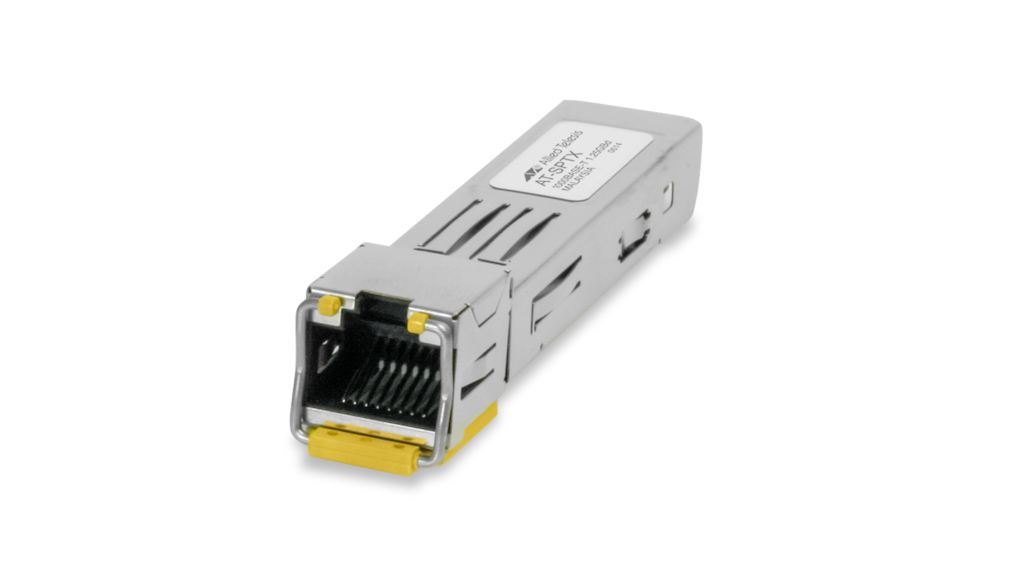
SPTXc
10/100/1000T (RJ-45), 100m
Documentation

Continuous PoE
Uninterrupted power to cameras and other sensors, even when the switch is rebooted.
Video: How Active Fiber Monitoring Protects Your Data
This video shows how Active Fiber Monitoring helps protect your data by sensing changes in light on fiber cables.
Video: Total Autonomous Networking
Total Autonomous Networking ensures business security and agility, with powerful automation and optimization features across the LAN and WAN.

Technical Tips and Tricks: AlliedWare Plus™ Managed Layer 3 Switches
This document contains useful technical tips and tricks for AlliedWare Plus Managed switches.
DHCP for IPv6 (DHCPv6) Feature Overview and Configuration Guide
This guide describes the Dynamic Host Configuration Protocol for IPv6 (DHCPv6). DHCPv6 is used to delegate IPv6 prefixes and to allocate IPv6 addresses.
How To: Troubleshoot Slow Network Performance
This How To Note provides useful strategies to help you methodically investigate and resolve the issues that may be slowing your network down.

Solution Guide: IP Security and Surveillance Solutions
Allied Telesis Digital Video Surveillance solutions for applications in government, commercial and industrial organizations.
Solution Guide: Network Access Control (NAC)
Allied Telesis provides advanced edge security for enterprise organizations with Network Access Control.
Simplifying Remote LAN Management
Allied Telesis have produced a powerful solution that changes the nature of network management and maintenance.
Understanding Enterprise SDN
This white paper discusses SDN—how and why it has emerged, and what effects it will have on Enterprise networking in the future.
SDN and the Changing Face of Enterprise Networks
Enterprise data networks have evolved rapidly over the last few decades, and are continuing to evolve at a steady pace.
Video: Introducing AMF
Allied Telesis Autonomous Management Framework (AMF) is a powerful suite of management tools that can automate your everyday network administration tasks.
Related Videos
Continuous PoE