
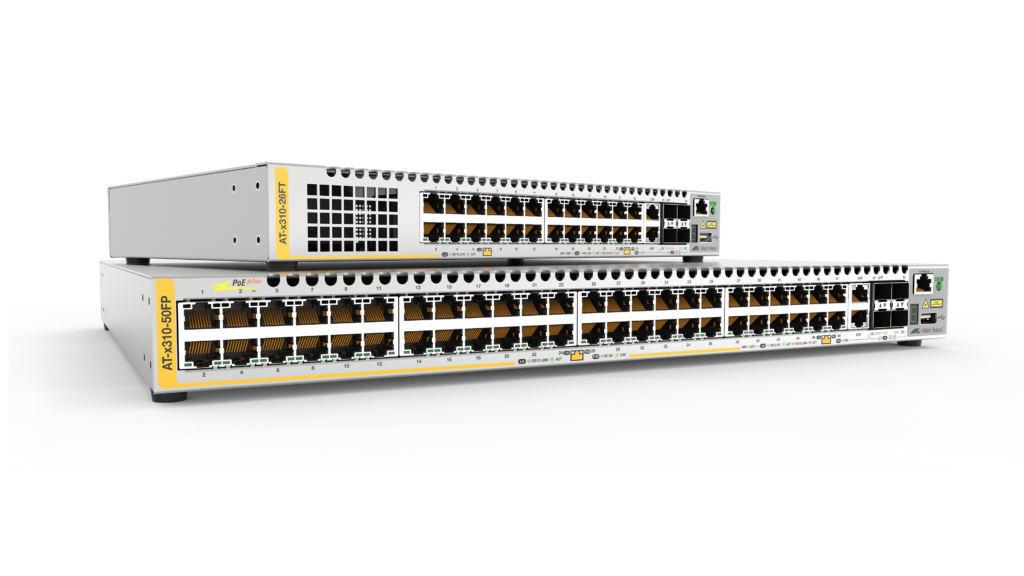
A high performing and scalable Fast Ethernet access solution for today’s networks. The x310 Series is perfect for demanding applications at the edge of enterprise networks.
Overview
- 24-port and 48-port versions
- AlliedWare Plus™ operating system and Allied Telesis Autonomous Management Framework™
- Ethernet Protection Switched Ring (EPSRing™)
- Power over Ethernet (PoE+)
- Runs AlliedWare Plus™
- Stack up to four units to provide a scalable
Key Features
- ACLs for management traffic
- Active Fiber Monitoring™ (AFM)
- OpenFlow for SDN
Certifications and Compliance

IPv6 Ready
Run by the IPv6 Forum, IPv6 Ready certification demonstrates conformance to IPv6 standards and validates interoperability of IPv6 products.

OpenFlow Conformance
OpenFlow Conformance is the highest assurance from the Open Networking Foundation that validates products conform to the OpenFlow specification.
Specifications
| Product | 10/100BASE-T (RJ-45) Copper Ports | 100/1000 Combo Uplink Ports | 1 Gigabit Stacking Ports | PoE Capable Ports | Switching Fabric | Forwarding Rate |
|---|---|---|---|---|---|---|
| x310-26FT | 24 | 2 | 2 | – | 12.8Gbps | 9.5Mpps |
| x310-50FT | 48 | 2 | 2 | – | 17.6Gbps | 13.1Mpps |
| x310-26FP | 24 | 2 | 2 | 24 | 12.8Gbps | 9.5Mpps |
| x310-50FP | 48 | 2 | 2 | 48 | 17.6Gbps | 13.1Mpps |
Physical
| Product | Width x Depth x Height | Mounting | Unpackaged Weight | Packaged Weight | Packaged Dimensions |
|---|---|---|---|---|---|
| x310-26FT | 340 x 215 x 44 mm (13.38 x 8.46 x 1.73 in) |
1RU Rack-mount | 2.4 kg (5.3 lb) | 3.6 kg (7.9 lb) | 48 x 30 x 10 cm (18.9 x 11.8 x 3.9 in) |
| x310-50FT | 440 x 310 x 44 mm (17.32 x 12.20 x 1.73 in) |
1RU Rack-mount | 4.6 kg (10.2 lb) | 6.1 kg (13.5 lb) | 56 x 51 x 15 cm (22.1 x 20.1 x 5.9 in) |
| x310-26F | 440 x 360 x 44 mm (17.32 x 14.17 x 1.73 in) |
1RU Rack-mount | 5.4 kg (11.9 lb) | 6.9 kg (15.2 lb) | 56 x 51 x 15 cm (22.1 x 20.1 x 5.9 in) |
| x310-50FP | 440 x 360 x 44 mm (17.32 x 14.17 x 1.73 in) |
1RU Rack-mount | 5.8 kg (12.8 lb) | 7.3 kg (16.1 lb) | 56 x 51 x 15 cm (22.1 x 20.1 x 5.9 in) |
Power and Noise Characteristics
| Product | No PoE Load Max Power Consumption | No PoE Load Max Heat Dissipation | No PoE Load Noise | Full PoE+ Load Max Power Consumption | Full PoE+ Load Max Heat Dissipation | Full PoE+ Load Noise | Max PoE Power | Max PoE Ports at 15W Per Port | Max PoE+ Ports at 30W Per Port |
|---|---|---|---|---|---|---|---|---|---|
| x310-26FT | 24W | 81 BTU/hr | Fanless | – | – | – | – | – | – |
| x310-50FT | 48W | 164 BTU/hr | 33.4 dBA | – | – | – | – | – | – |
| x310-26FP | 50W | 168 BTU/hr | 38.2 dBA | 460W | 308 BTU/hr | 60.0 dBA | 370W | 24 | 12 |
| x310-50FP | 61W | 209 BTU/hr | 42.8 dBA | 472W | 349 BTU/hr | 60.4 dBA | 370W | 24 | 12 |
Ordering Information
AT-x310-26FT-xx(1)
24-port 10/100BASE-T switch with 2 combo ports
(100/1000X SFP or 10/100/1000T) and
2 stacking ports
AT-x310-50FT-xx
48-port 10/100BASE-T switch with 2 combo ports
(100/1000X SFP or 10/100/1000T) and 2
stacking ports
AT-x310-26FP-xx
24-port 10/100BASE-T PoE+ switch with 2 combo
ports (100/1000X SFP or 10/100/1000T) and 2
stacking ports
AT-x310-50FP-xx(1)
48-port 10/100BASE-T PoE+ switch with 2 combo
ports (100/1000X SFP or 10/100/1000T) and 2
stacking ports
AT-VT-Kit3
Management Cable (USB to Serial Console)
(1) Trade Act Agreement compliant
Where xx =
10 for US power cord
20 for no power cord
30 for UK power cord
40 for Australian power cord
50 for European power cord
Feature Licenses
| Name | Description | Includes | Stack Licensing |
|---|---|---|---|
| AT-FL-x310-01 | x310 Premium license | RIP (64 routes) OSPF (64 routes) PIMv4-SM, DM and SSM EPSR master RIPng (64 routes) OSPFv3 (64 routes) PIMv6-SM and SSM MLDv1/v2 PIM-SMv6/SSMv6 UDLD VRRP |
One license per stack member |
| AT-FL-x310-OF13-1YR | OpenFlow license | OpenFlow v1.3 for 1 year | Not supported on a stack |
| AT-FL-x310-OF13-5YR | OpenFlow license | OpenFlow v1.3 for 5 years | Not supported on a stack |
| AT-FL-x310-8032 | ITU-T G.8032 license | G.8032 ring protection Ethernet CFM |
One license per stack member |
All Models
Some models are End-of-Sale. Click here for more information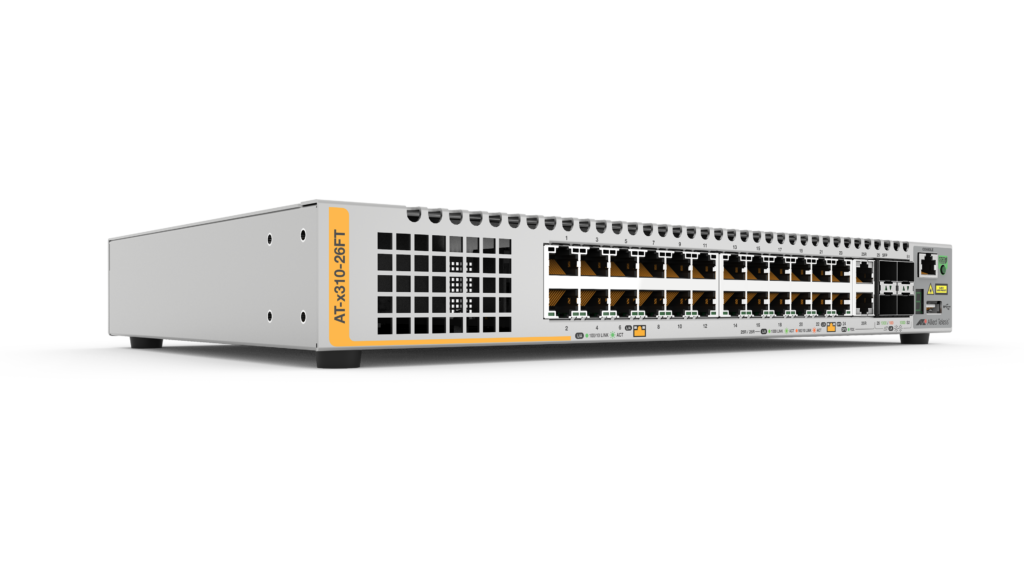

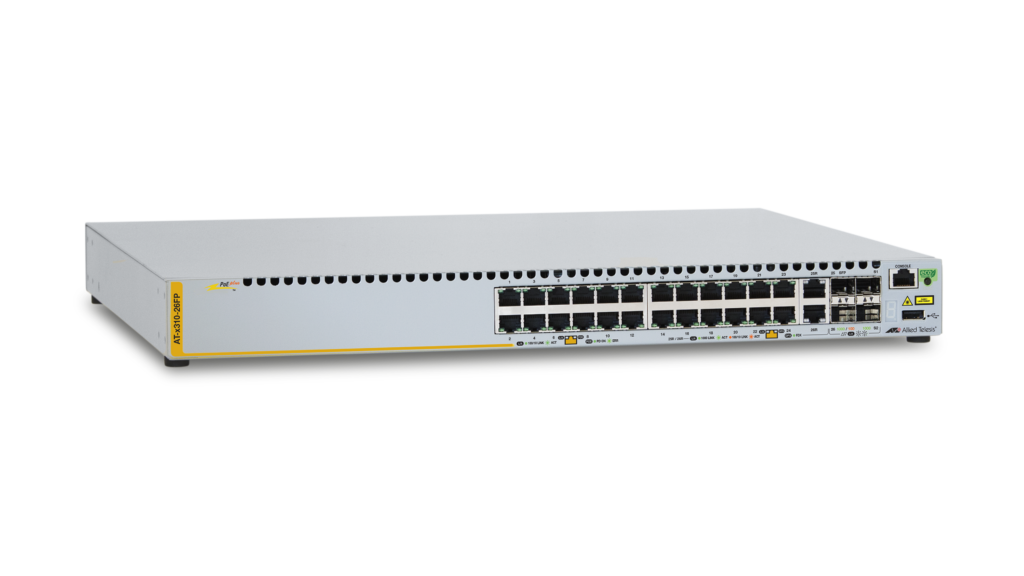
x310-26FT
24 x 10/100T port switch with 2 combo ports (100/1000X SFP or 10/100/1000T) and 2 stacking ports
Notice: This product is not available for purchase.
End-of-Sale information
End of Sale Announced
28 Jun 2020
05 Feb 2025
12 Dec 2023
End of Software Support
28 Jun 2022
28 Jun 2022
End of Life
28 Jun 2025
28 Jun 2025
Alternate Products
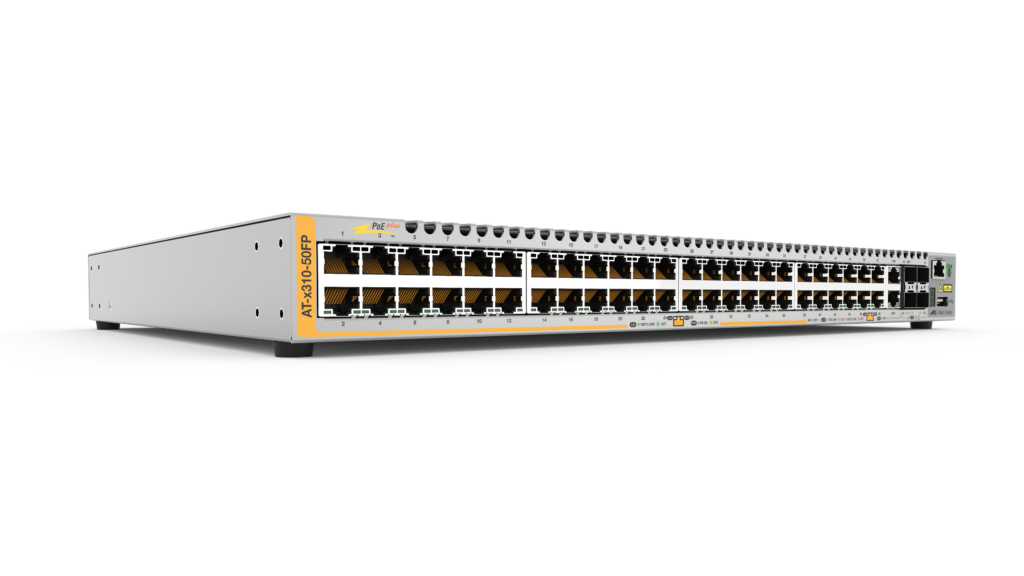
x310-50FP
48 x 10/100BASE-T port PoE+ switch with 2 combo ports (100/1000X SFP or 10/100/1000T) and 2 stacking ports
Notice: This product is not available for purchase.
End-of-Sale information
End of Sale Announced
28 Jun 2020
29 Nov 2024
28 Jun 2020
End of Software Support
28 Jun 2022
28 Jun 2022
28 Jun 2022
End of Life
28 Jun 2025
28 Jun 2025
28 Jun 2025
Alternate Products
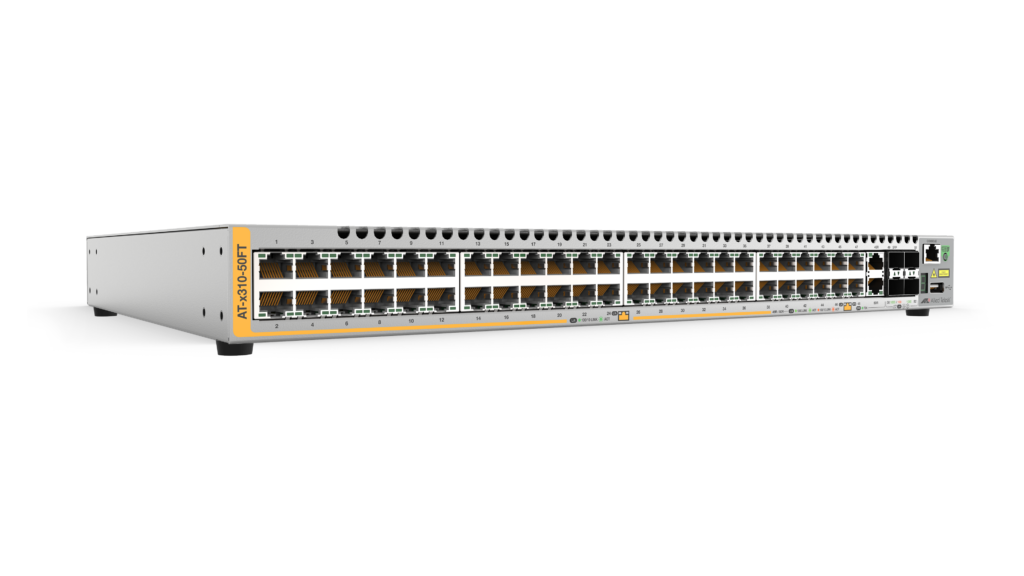
x310-50FT
48 x 10/100T port switch with 2 combo ports (100/1000X SFP or 10/100/1000T) and 2 stacking ports
Notice: This product is not available for purchase.
End-of-Sale information
End of Sale Announced
28 Jun 2020
29 Nov 2024
29 Nov 2024
End of Software Support
28 Jun 2022
06 Feb 2020
06 Feb 2020
End of Life
28 Jun 2025
06 Feb 2025
06 Feb 2025
Alternate Products
x310-26FP
24 x 10/100T port PoE+ switch with 2 combo ports (100/1000X SFP or 10/100/1000T) and 2 stacking ports
Notice: This product is not available for purchase.
End-of-Sale information
End of Sale Announced
28 Jun 2020
28 Jun 0202
28 Jun 2020
End of Software Support
28 Jun 2022
28 Jun 2022
28 Jun 2022
End of Life
28 Jun 2025
28 Jun 2025
28 Jun 2025
Alternate Products
Accessories
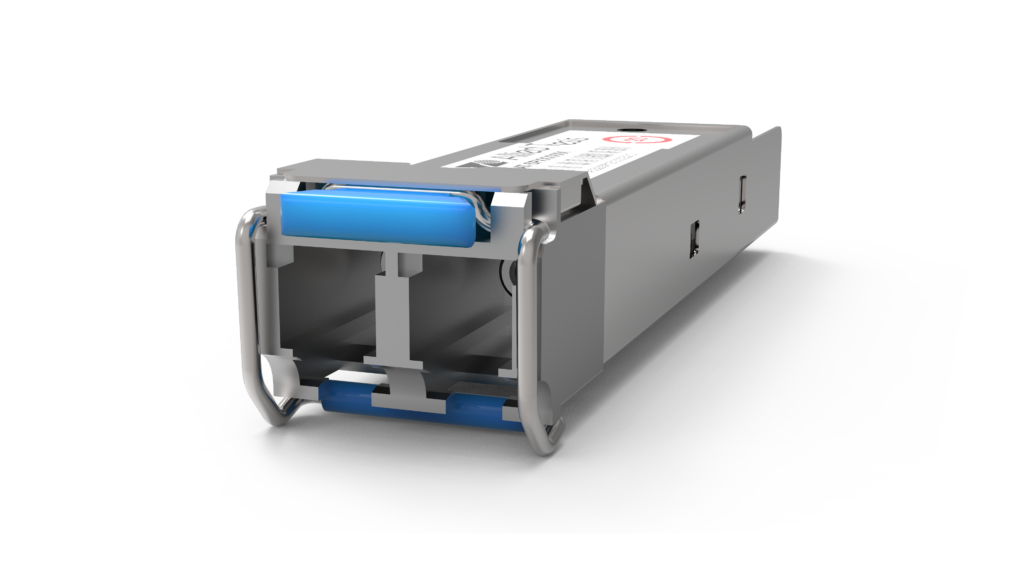
SPFX/2
100FX (LC), multi-mode, 2km
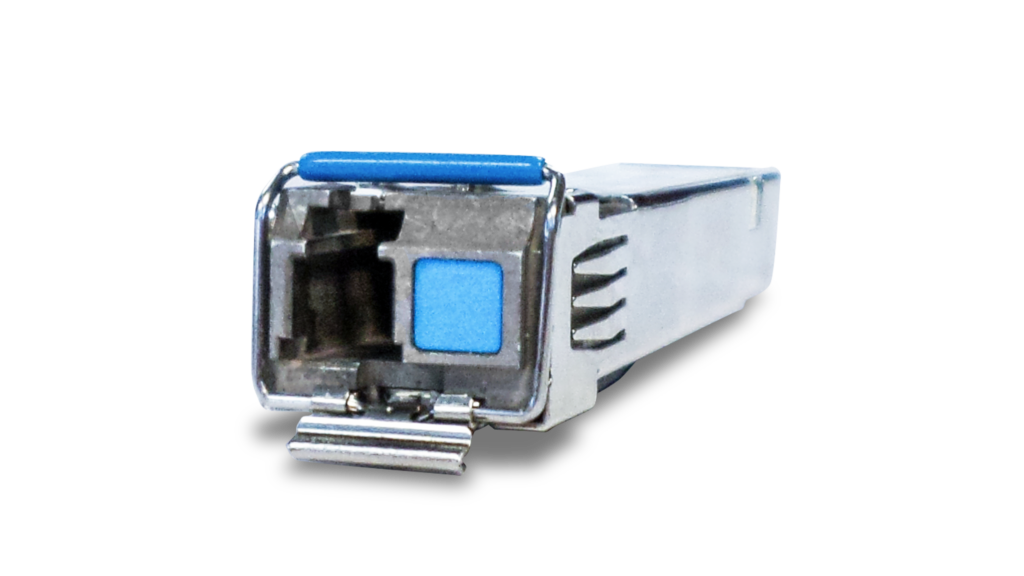
SPBD10
1000LX (LC) single-mode BiDi, 10km
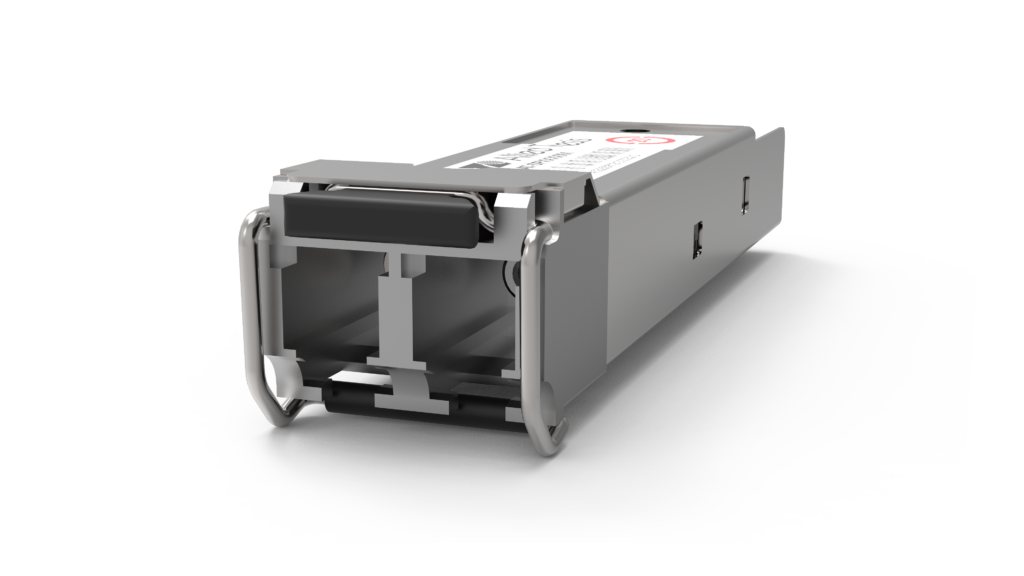
SPSX
1000SX (LC), multi-mode, 220-550m
SPSX/I
1000SX (LC) multi-mode, I-Temp, 220-550m
SPEX
1000SX (LC) Multi-Mode, 2km
SPLX40
1000EX (LC), single-mode, 40km
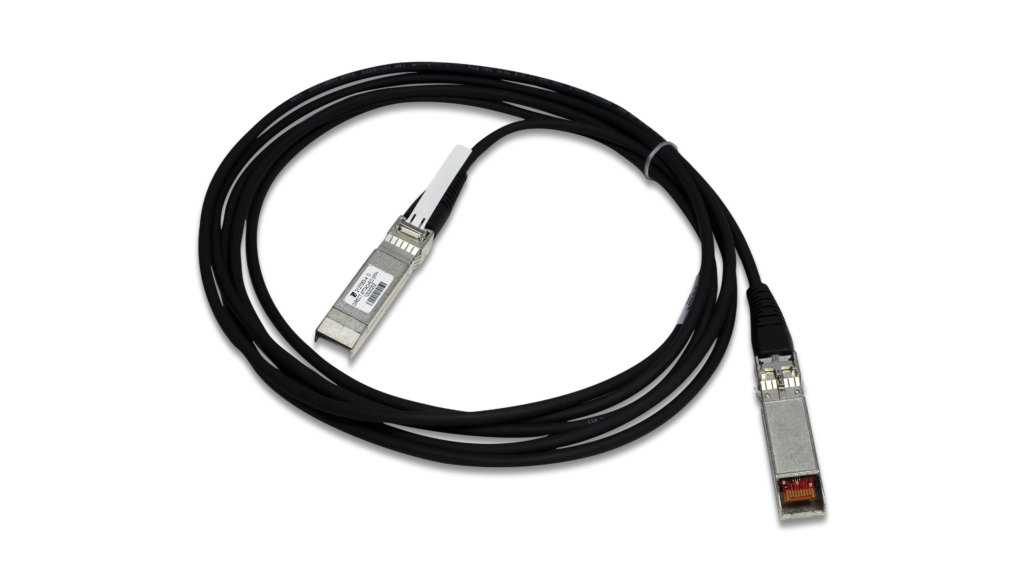
SP10TW1
SFP+ Twinax direct attach cable, 1m in length.
SP10TW3
10G Twinax DAC Cable (3m)
SP10TW7
10G Twinax DAC Cable (7m)
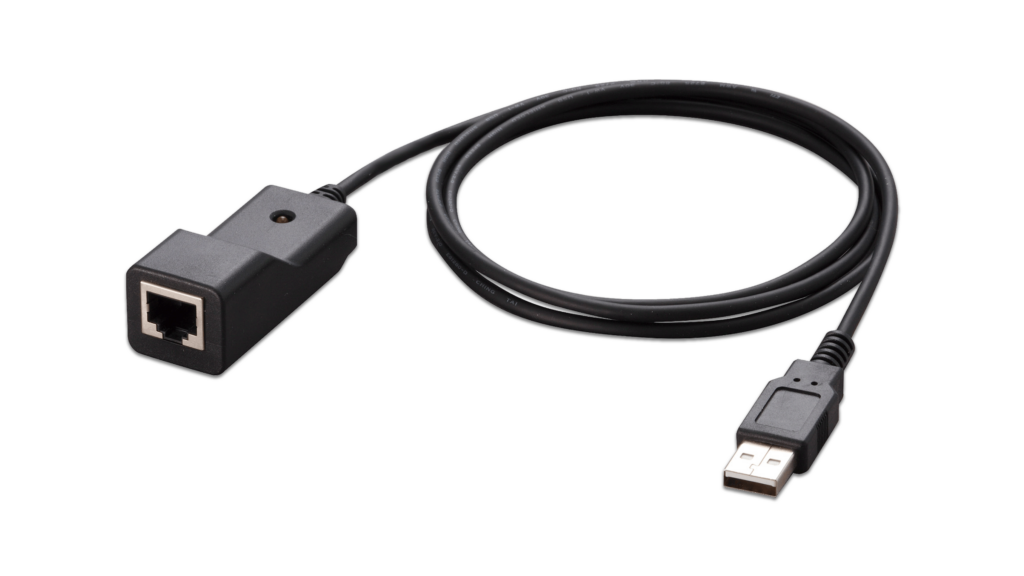
VT-Kit3
Management cable (USB to Serial Console)
Documentation

Video: Introducing the x310 Series
The x310 Series stackable switches are the Fast Ethernet access solution for your network.
Video: Total Autonomous Networking
Total Autonomous Networking ensures business security and agility, with powerful automation and optimization features across the LAN and WAN.

Video: How Active Fiber Monitoring Protects Your Data
This video shows how Active Fiber Monitoring helps protect your data by sensing changes in light on fiber cables.

Datasheet: x310 Series
Product information for x310 Series Stackable Access Switches

OSPFv3 Feature Overview and Configuration Guide
This guide will teach you the basics of using OSPFv3 on AlliedWare Plus, and how to view and monitor your OSPFv3 set up and behaviour.
How To: Catering for Special Considerations in an IP Video Surveillance Network
This How To Note describes the key characteristics of video surveillance networks, and how to conserve camera CPU processing capacity and cater for STP topology changes.
Technical Tips and Tricks: AlliedWare Plus™ Managed Layer 3 Switches
This document contains useful technical tips and tricks for AlliedWare Plus Managed switches.
DHCP for IPv6 (DHCPv6) Feature Overview and Configuration Guide
This guide describes the Dynamic Host Configuration Protocol for IPv6 (DHCPv6). DHCPv6 is used to delegate IPv6 prefixes and to allocate IPv6 addresses.
OSPF Feature Overview and Configuration Guide
This guide provides an example OSPF network diagram, and describes some of the main configuration parameters for OSPF using the AlliedWare Plus Operating System.
How To: Troubleshoot Slow Network Performance
This How To Note provides useful strategies to help you methodically investigate and resolve the issues that may be slowing your network down.
How To: Configure Interoperation Between PVST+ and RSTP or MSTP
This How To Note describes how RSTP and MSTP on Allied Telesis switches interoperate with the proprietary PVST+ and rapid PVST+ protocols on Cisco switches.

Software Reference: x310 Series Switches v5.4.4C
Software reference for AlliedWare Plus™ version 5.4.4C.
Related Videos
Video: Introducing the x310 Series
Video: Total Autonomous Networking