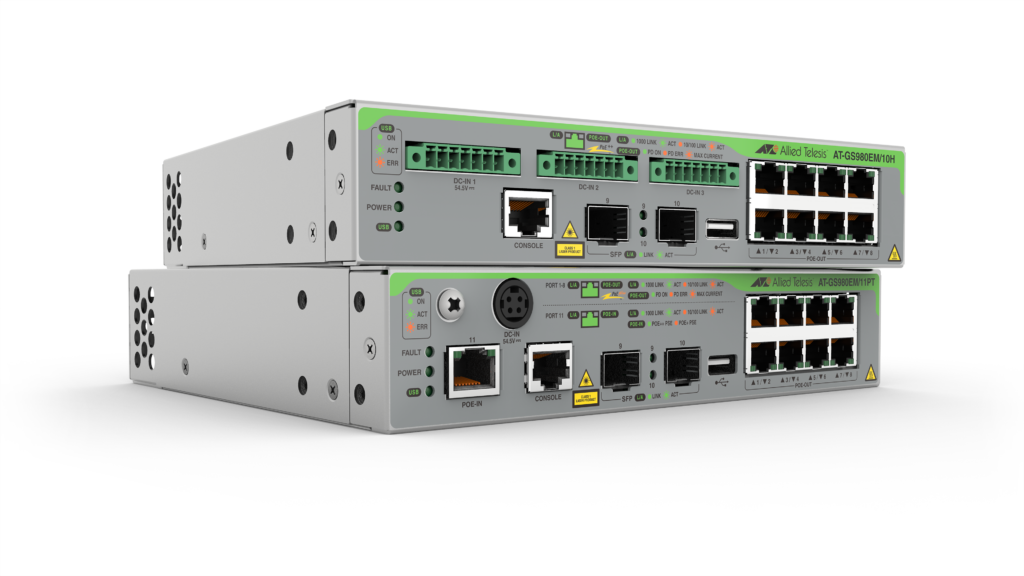
Flexible Power over Ethernet switches with capabilities that support IoT device connectivity in today’s converged business environments.
Overview
- Enable today’s converged business networks with flexible PoE to connect and power devices such as high-resolution security cameras, wireless APs, IP phones, and more
- Extend network layout with IoT devices able to be connected and powered up to 200 meters from the PoE distribution source
- Flexible deployment of network edge switches and IoT devices with PoE pass-through that powers both the edge switch and connected end-points
- Provide PoE capacity and resilience with triple external PSUs available for distribution switches while also simplifying UPS power redundancy of the network
- Reduce costs and automate network and device management with Allied Telesis Autonomous Management Framework™ Plus (AMF Plus). Deploy the GS980EM Series as AMF Plus edge nodes
Key Features
- 30W PoE+ per port (GS980EM/11PT) for connecting and powering end devices
- 90W PoE++ per port (GS980EM/10H) for high power devices, or for powering the GS980EM/11PT and its connected devices with PoE pass-through
- Active Fiber Monitoring™ (AFM) secures uplink connectivity
- AlliedWare Plus™ feature-rich operating system
- DIN rail or rack-mount supports flexible deployment
- Fanless design for high-reliability and silent operation
Specifications
| Product | 10/100/1000T (RJ-45) PoE Enabled Ports | 10/100/1000T (RJ-45) PoE-in Port | 1000X SFP Ports | Switching Fabric | Forwarding Rate |
|---|---|---|---|---|---|
| GS980EM/10H | 8 | – | 2 | 24Gbps | 14.9Mpps |
| GS980EM/11PT | 8 | 1 | 2 | 24Gbps | 16.4Mpps |
Physical
| Product | Width x Depth x Height | Mounting | Unpackaged Weight | Packaged Weight | Packaged Dimensions |
|---|---|---|---|---|---|
| GS980EM/10H | 210 x 180 x 42.5 mm (8.26 x 7.08 x 1.67 in) |
Rack-mount | 1.6 kg (3.53 lb) | 2.7 kg (5.95 lb) | 417 x 336 x 151 mm (16.42 x 13.23 x 1.67 in) |
| GS980EM/11PT | 210 x 180 x 42.5 mm (8.26 x 7.08 x 1.67 in) |
Rack-mount | 1.6 kg (3.53 lb) | 3.5 kg (7.71 lb) | 417 x 336 x 151 mm (16.42 x 13.23 x 1.67 in) |
Power Characteristics
| Product | Maximum PoE Power | 7.5W Max PoE Ports Supported | 15.4W Max PoE Ports Supported | 30W PoE+ Max PoE Ports Supported | 60W PoE++ Max PoE Ports Supported | 90W PoE++ Max PoE Ports Supported | Max No PoE Load Power Consumption (W) | Max No PoE Load Heat Dissipation (BTU/h) | Full PoE Load Max Power Consumption (W) | Full PoE Load Max Heat Dissipation (BTU/h) |
|---|---|---|---|---|---|---|---|---|---|---|
| x320-10GH | 240W (PWR300 x 1) | 8 | 8 | 8 | 4 | 2 | 21 | 71 | 320 | 218 |
| 480W (PWR300 x 2) | 8 | 8 | 8 | 8 | 5 | 21 | 71 | 600 | 409 | |
| 720W (PWR300 x 3) | 8 | 8 | 8 | 8 | 8 | 21 | 71 | 880 | 600 | |
| GS980EM/11PT | 0W (switch powered by 30W PoE) (1) | 0 | 0 | 0 | 0 | 0 | 22 | 75 | 98 (using AC power adapter) | 350 (using AC power adapter) |
| 31.6W (switch powered by 60W PoE) (1) | 4 | 2 | 1 | 0 | 0 | 22 | 75 | 98 (using AC power adapter) | 350 (using AC power adapter) | |
| 46.2W (switch powered by 90W PoE) (1) | 6 | 3 | 1 | 0 | 0 | 22 | 75 | 98 (using AC power adapter) | 350 (using AC power adapter) | |
| 62W (switch powered by AC Adaptor) | 8 | 4 | 2 | 0 | 0 | 22 | 75 | 98 (using AC power adapter) | 350 (using AC power adapter) |
(1) The GS980EM/11PT uses PD port 11 to receive PoE power, but cannot be powered by PoE if the AC adapter is connected
Ordering Information
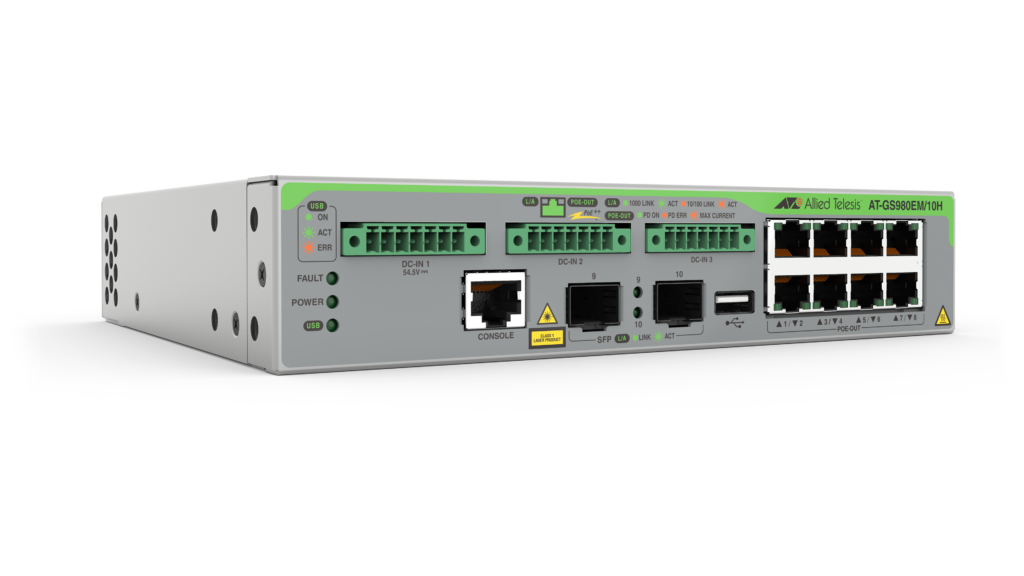
AT-GS980EM/10H
8-port 10/100/1000T PoE++ switch with 2 SFP
ports, and 3 external PSU ports(2)
AT-GS980EM/11PT
8-port 10/100/1000T PoE+ switch with 2 SFP
ports, one AC adapter port(3) , and one PoE-in port(4)
(supporting PD and PoE pass-through)
Power Supplies
AT-PWR300-xx
300W PoE power supply (for GS980EM/10H and
x320-10GH switches)
Where xx =
10 for US power cord
20 for no power cord
30 for UK power cord
40 for Australian power cord
50 for European power cord
19 inch rack-mount brackets included with every switch
(2) PWR300 power supplies for the GS980EM/10H must be ordered separately
(3) The GS980EM/11PT ships with an AC power adapter
(4) The GS980EM/11PT can be powered by PoE from 30W (class 4) to 90W (class 8)
Feature Licenses
| Name | Description | Includes |
|---|---|---|
| AT-FL-G98EM-01 | GS980EM Premium license | OSPF (128 routes) PIMv4-SM, DM and SSM RIPng (256 routes) STATIC (128 Routes) EPSR Master |
All Models
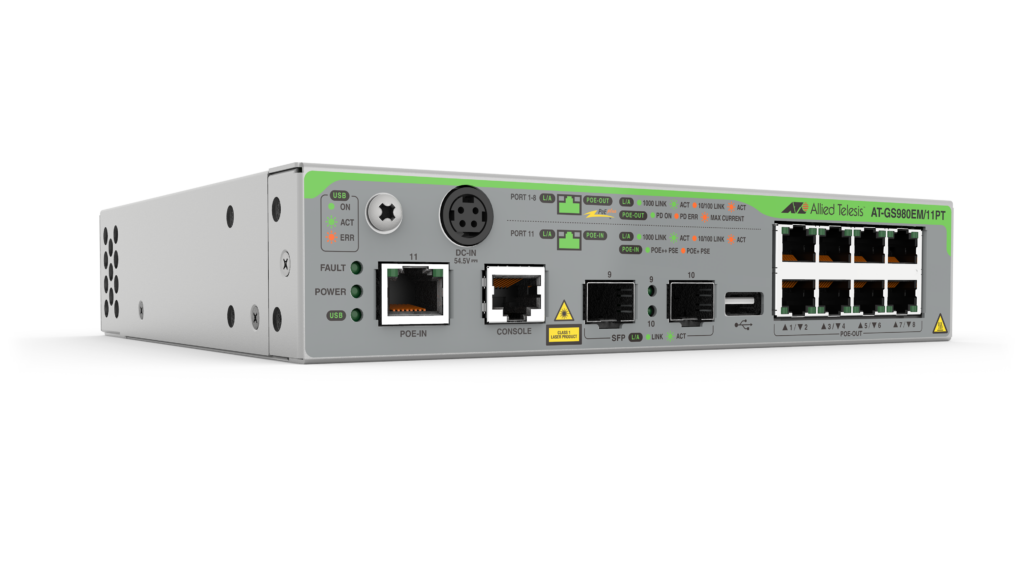
GS980EM/11PT
8 x 10/100/1000T PoE+ ports, 1 x 10/100/1000 PoE-in port, and 2 x 100/1000X SFP uplinks
Add to quoteAccessories
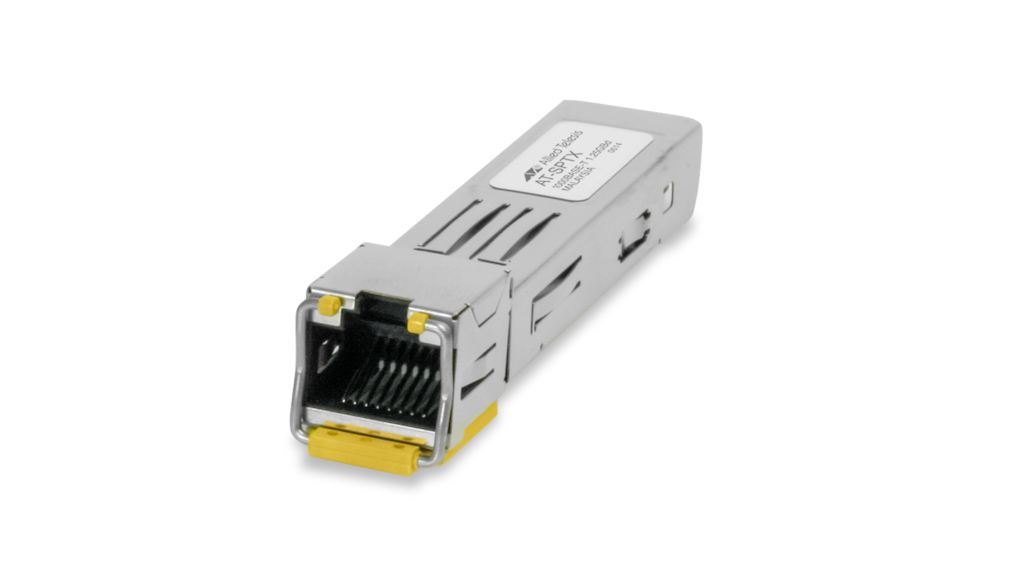
SPTX
10/100/1000T (RJ-45), 100m
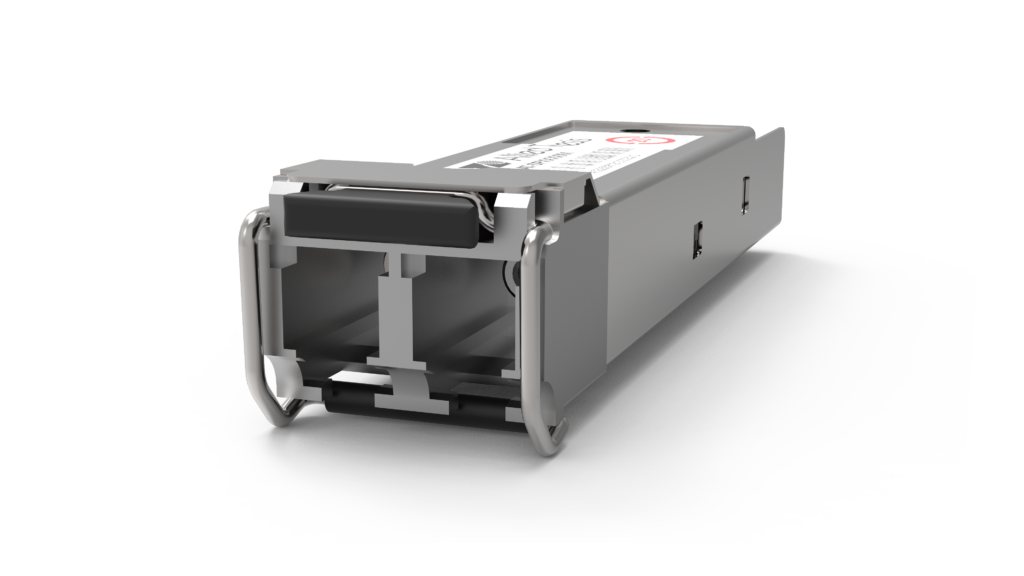
SPSX
1000SX (LC), multi-mode, 220-550m
SPSX/I
1000SX (LC) multi-mode, I-Temp, 220-550m
SPEX
1000SX (LC) Multi-Mode, 2km
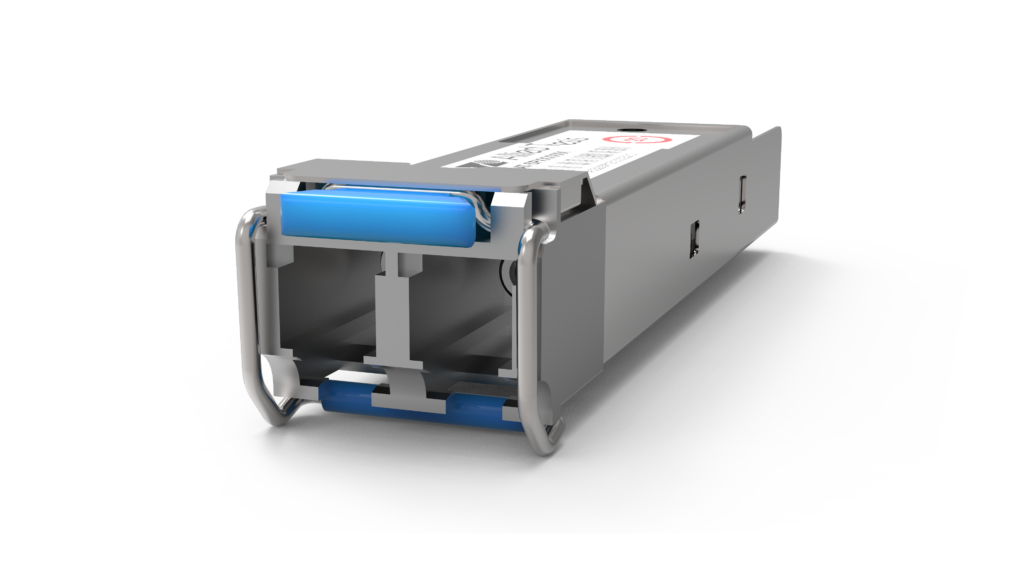
SPLX40
1000EX (LC), single-mode, 40km
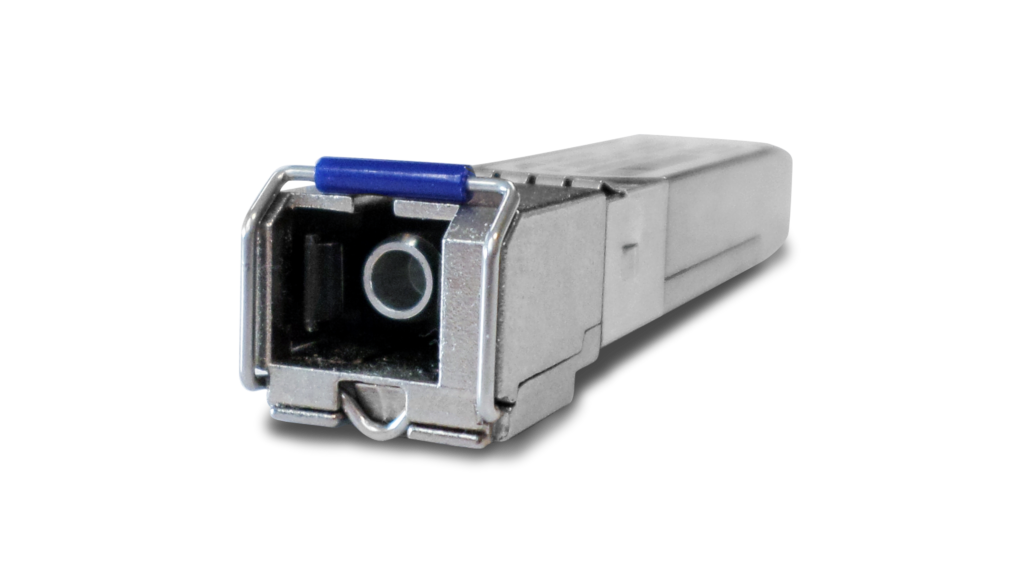
SPBD20-xx/I
1000LX (SC) Single-Mode BiDi, I-Temp, 20km
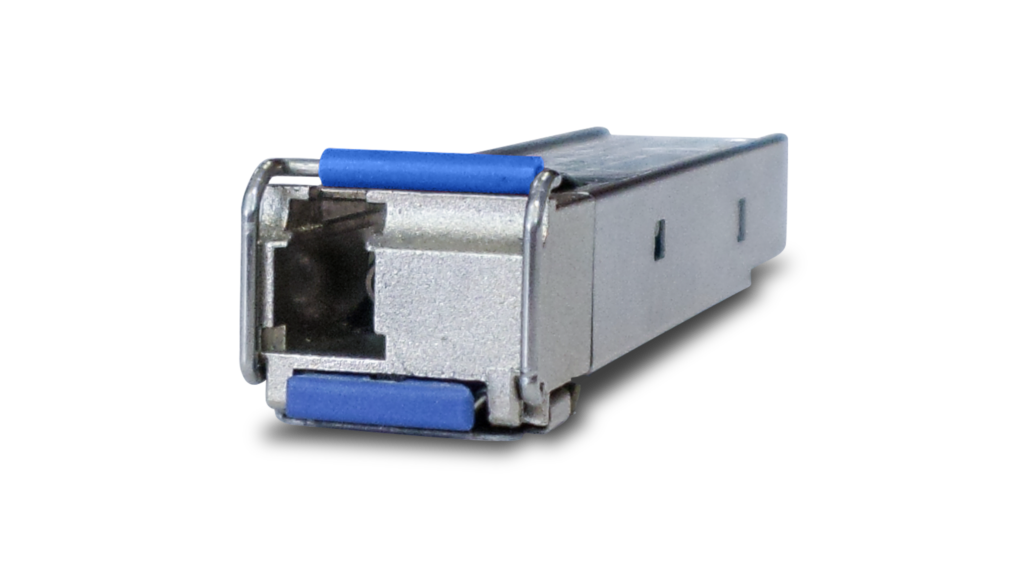
SPBD40-xx/I
1000LX (LC) single-mode BiDi, I-Temp, 40km
SPTXc
10/100/1000T (RJ-45), 100m
Documentation

Datasheet: GS980EM Series
Product information for the GS980EM Series Gigabit Layer 3 Lite PoE++/PoE Pass-through Switches.

AAA and Port Authentication Feature Overview and Configuration Guide
This guide describes the AlliedWare Plus implementation of Authentication, Accounting and Authorization and Port Authentication.
Configuration and File Management Feature Overview and Configuration Guide
This guide describes the file storage options that AlliedWare Plus™ supports and the commands available for managing files.
DHCP Snooping Feature Overview and Configuration Guide
This guide provides information about DHCP snooping for IPv4.
Domain Name System (DNS) Feature Overview and Configuration Guide
The Domain Name System allows you to access remote systems by entering human-readable device hostnames rather than IP addresses.
Eco-Friendly Feature Overview and Configuration Guide
This guide describes the Eco-friendly feature which reduces a switch's power consumption by: turning off power to port LEDs when they are not in use and implementing IEEE 802.3az to put ports into a Low-Power Idle mode.
Ethernet Protection Switching Ring (EPSR) Feature Overview and Configuration Guide
This guide describes EPSR and how to configure it.

Getting Started with the AlliedWare Plus Command Line Interface
This guide introduces a number of commonly-used management features of the AlliedWare Plus Operating System.
GVRP Feature Overview and Configuration Guide
This guide describes GVRP (Generic VLAN Registration Protocol).
IGMP/MLD Feature Overview and Configuration Guide
This guide describes IGMP/MLD and its configuration on AlliedWare Plus™.
Interfaces Feature Overview and Configuration Guide
This guide describes some specific features that are applied to some interfaces of AlliedWare Plus™ products.
Internet Protocol (IP) Addressing and Protocol Feature Overview and Configuration Guide
This guide describes IPv4 addressing and the protocols used by on AlliedWare Plus™ to help IP function in a network.
Related Videos

Video: Vista Manager EX VLAN