
Allied Telesis x240 Series Layer 3 stackable multi-gigabit switches, with 10 gigabit uplinks, offer an impressive set of features in a compact design. Power over Ethernet models add deployment flexibility by combining power delivery of up to 90 watts to next-generation endpoints, with high-speed throughput. The ability to stack 2 units creates a resilient network edge solution that’s ready for modern business operation.
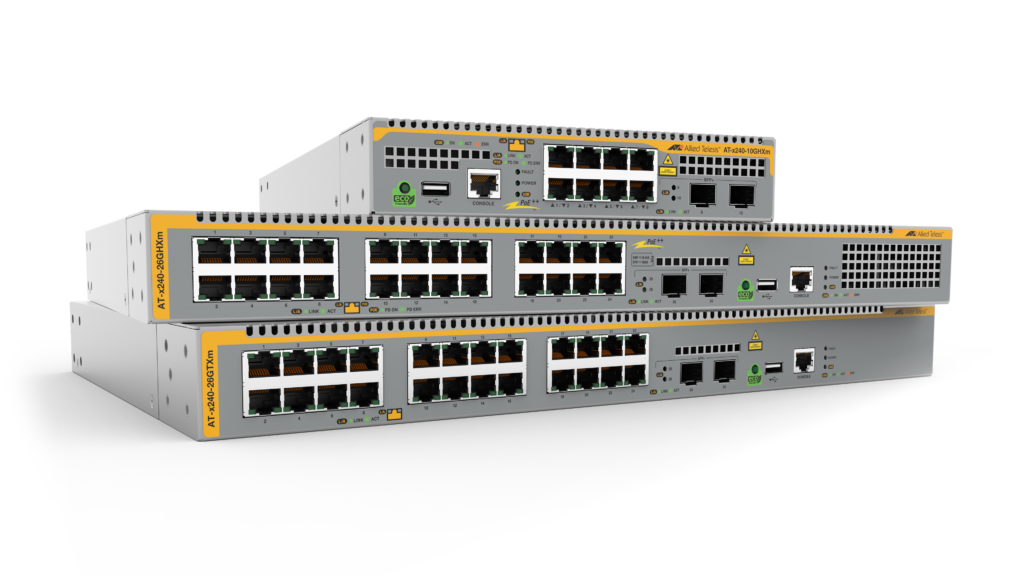
Overview
- Build a high-performing network access solution with multi-gigabit speeds of 10M/100M/1/2.5/5G on all edge ports to connect any device, old or new.
- Connect and power Wi-Fi 6 APs, security cameras, IoT sensors, and other high-power devices with up to 90 Watts of PoE++ per port.
- Prevent eavesdropping of sensitive data on fiber links with Active Fiber Monitoring
- Reduce costs and automate network and device management with Autonomous Management Framework™ Plus (AMF Plus)
- Support resilient high-speed ring-based networks with Ethernet Protection Switched Ring (EPSRing™) and standards-based G.8032 ERPS
- Utilize different uplink options to meet requirements, with easy network upgrades over legacy cabling at multi-gigabit speeds, or maximum 10G performance.
Key Features
- ACLs manage access and control traffic across the network
- AlliedWare Plus™ Enterprise-class operating system
- Continuous PoE maximizes endpoint connectivity
- Link monitoring for proactive network health management
- Loop and storm protection for maximum uptime
- Static and dynamic (RIP) routing for L3 environments
Specifications
| Product | 10M/100M/1/2.5/5 Gigabit Ports | 1/10 Gigabit SFP+ Ports | Total Ports | PoE Enabled Ports | Switching Fabric | Forwarding Rate |
|---|---|---|---|---|---|---|
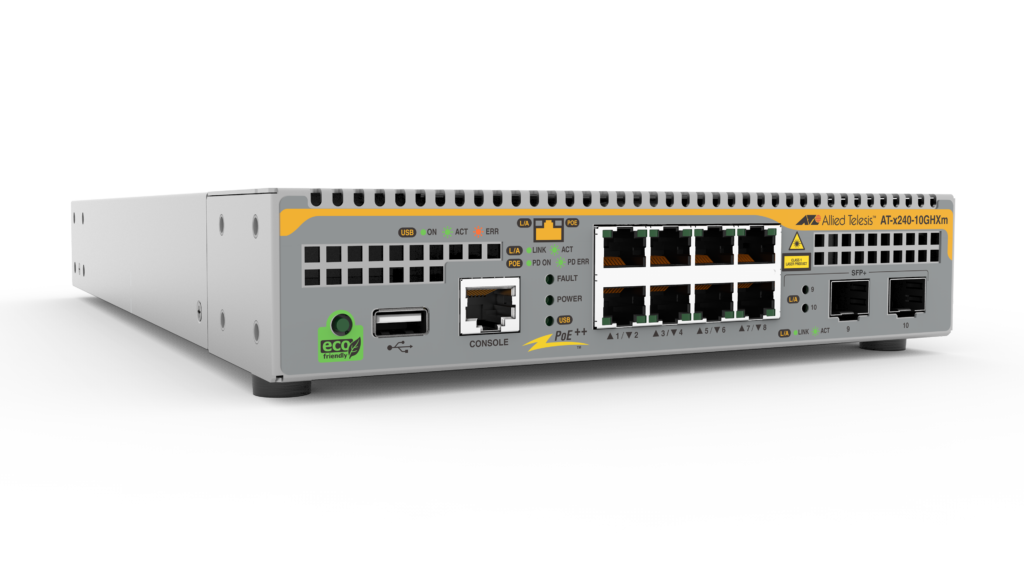
| x240-10GHXm | 8 | 2 | 10 | 8 | 120Gbps | 89.3Mpps |
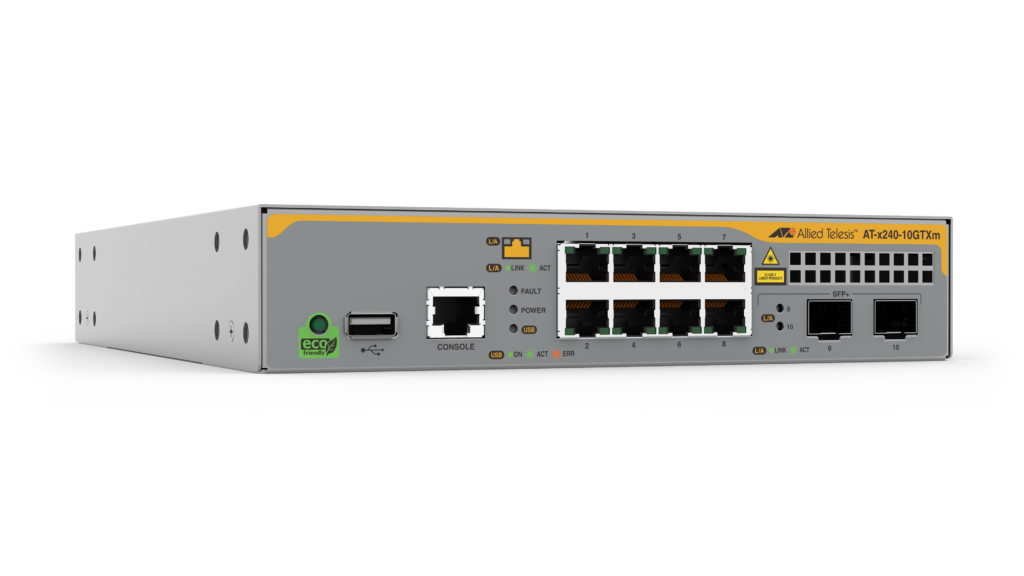
| x240-10GTXm | 8 | 2 | 10 | – | 120Gbps | 89.3Mpps |
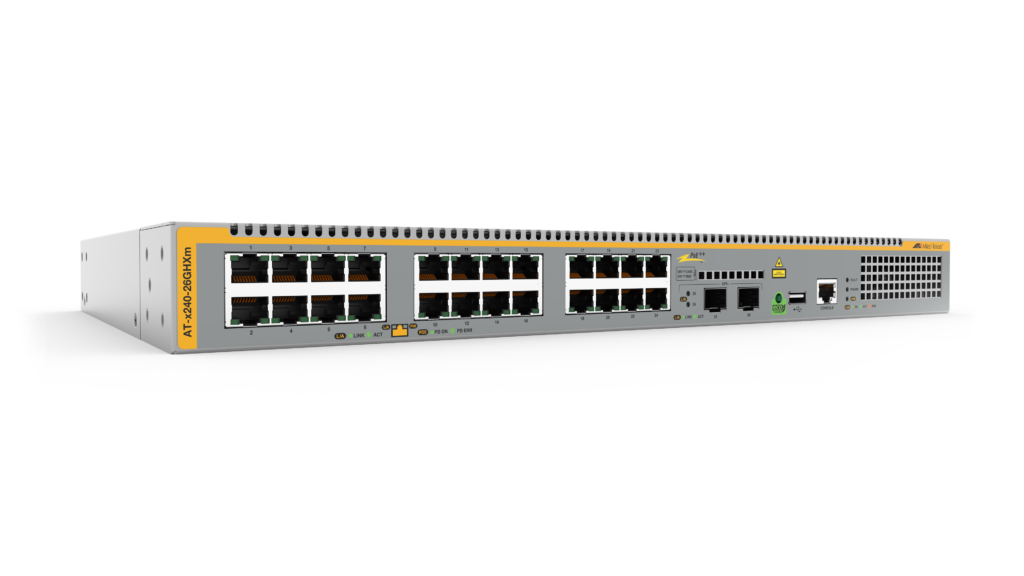
| x240-26GHXm | 24 | 2 | 26 | 24 | 280Gbps | 208.3Mpps |
Physical
| Product | Width x Depth x Height | Unpackaged Weight | Packaged Dimensions | Packaged Weight |
|---|---|---|---|---|
| x240-10GHXm | 210 x 346 x 42.5 mm (8.27 x 13.62 x 1.67 in) |
2.7 kg (5.9 lb) | 461 x 371 x 153 mm (18.15 x 14.60 x 6.02 in) |
3.8 kg (8.3 lb) |
| x240-10GTXm | 210 x 275 x 42.5 mm (8.27 x 10.83 x 1.67 in) |
1.9 kg (4.2 lb) | 433 x 257 x 102 mm (17.44 x 10.12 x 14.01 in) |
2.6 kg (5.7 lb) |
| x240-26GHXm | 440 x 290 x 44 mm (17.32 x 11.42 x 1.73 in) |
4.3 kg (9.4 lb) | 547 x 364 x 115 mm (21.53 x 14.33 x 4.53 in) |
5.6 kg (12.3 lb) |
Power and Noise Characteristics
| Product | No PoE Load Max Power Consumption (W) | No PoE Load Max Heat Dissipation (BTU/h) | No PoE Load Noise* (dBA) | Full PoE+ Load Max Power Consumption (W) | Full PoE+ Load Max Heat Dissipation (BTU/h) | Full PoE+ Load Noise* (dBA) |
|---|---|---|---|---|---|---|
| x240-10GHXm | 44 | 150 | 32-39 | 340 | 1200 | 39-55 |
| x240-10GTXm | 38 | 130 | 32-39 | – | – | – |
| x240-26GHXm | 86 | 290 | 38-52 | 540 | 1900 | 41-58 |
*Noise Under 30°C to 50°C
Power over Ethernet
| Product | Max PoE Power (W) | 7.5W PoE Sourcing Ports | 15.4W PoE Sourcing Ports | 30W PoE+ Sourcing Ports | 45W PoE+ Sourcing Ports | 60W PoE++ Sourcing Ports | 90W PoE++ Sourcing Ports |
|---|---|---|---|---|---|---|---|
| x240-10GHXm | 240 | 8 | 8 | 8 | 5 | 4 | 2 |
| x240-10GTXm | – | – | – | – | – | – | – |
| x240-26GHXm | 370 | 24 | 24 | 12 | 8 | 6 | 4 |
Ordering Information
AT-x240-10GTXm
8-port 10M/100M/1/2.5/5G L3 switch with 2 SFP+ ports
AT-x240-10GHXm
8-port 10M/100M/1/2.5/5G PoE++ L3 switch with 2 SFP+ ports
AT-x240-26GHXm
24-port 10M/100M/1/2.5/5G PoE++ L3 stackable
switch with 2 SFP+ ports
AT-RKMT-J14
Rack mount kit for x240-10GTXm/10GHXm
AT-RKMT-J15
Rack mount tray for x240-10GTXm/10GHXm
AT-BRKT-J24
Wall mount bracket
AT-STND-J03
Stand-kit for x240-10GTXm/10GHXm
| Name | Description | Includes |
|---|---|---|
| AT-FL-x240-APP | VLAN Q-in-Q and PTP license | VLAN Q-in-Q PTP Transparent Mode VLAN translation |
| AT-FL-x240-OF13-1YR | OpenFlow license | OpenFlow v1.3 for 1 year |
| AT-FL-x240-OF13-5YR | OpenFlow license | OpenFlow v1.3 for 5 years |
All Models
Accessories
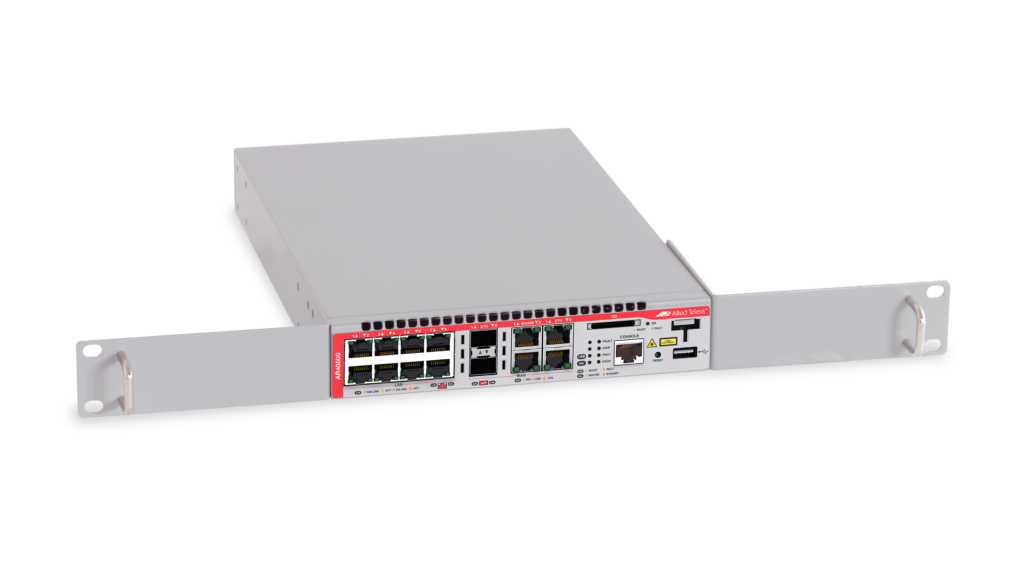
RKMT-J14
The RKMT-J14 rackmount kit to install one device in a 19-inch equipment rack
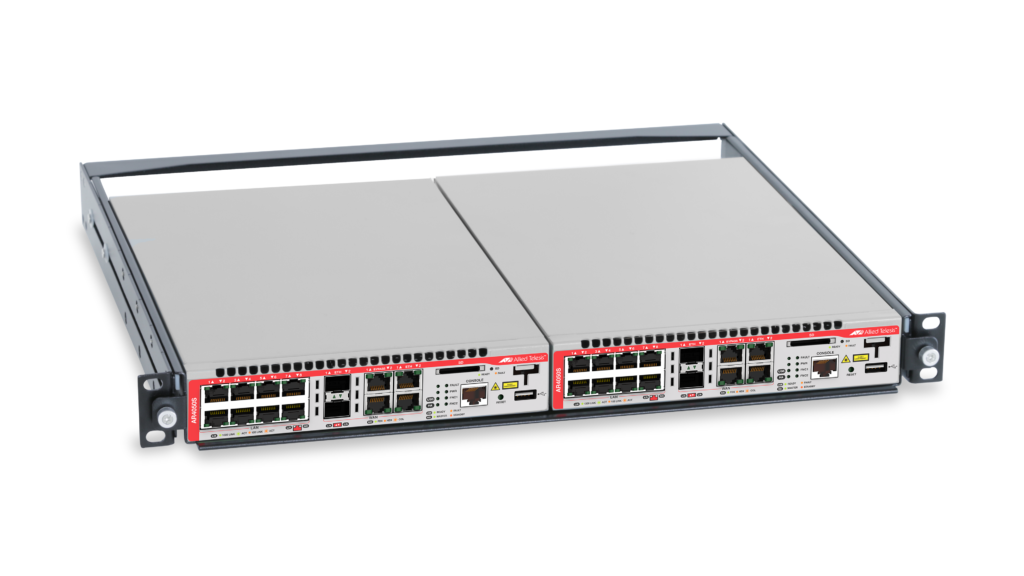
RKMT-J15
Rackmount kit to install two devices side by side in a 19-inch equipment rack
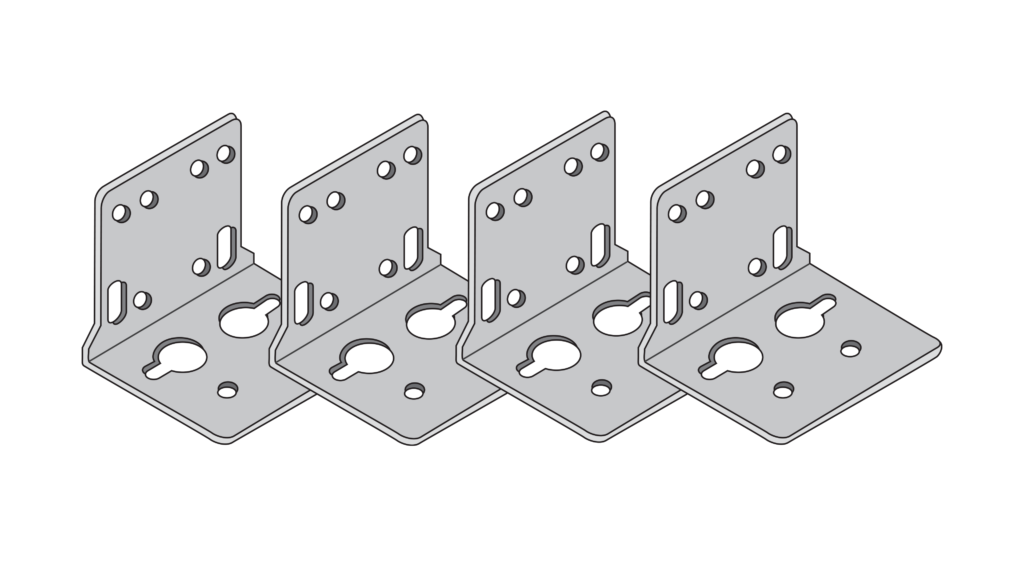
BRKT-J24
Wall mount kit for small switches.
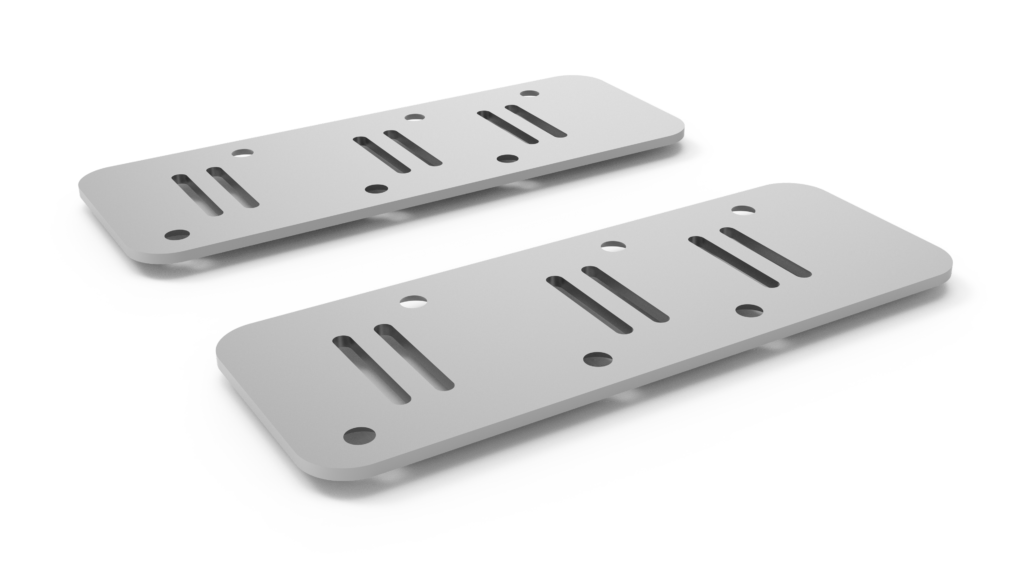
STND-J03
AT-STND-J03 is a dedicated kit for installing Allied Telesis hardware products vertically.
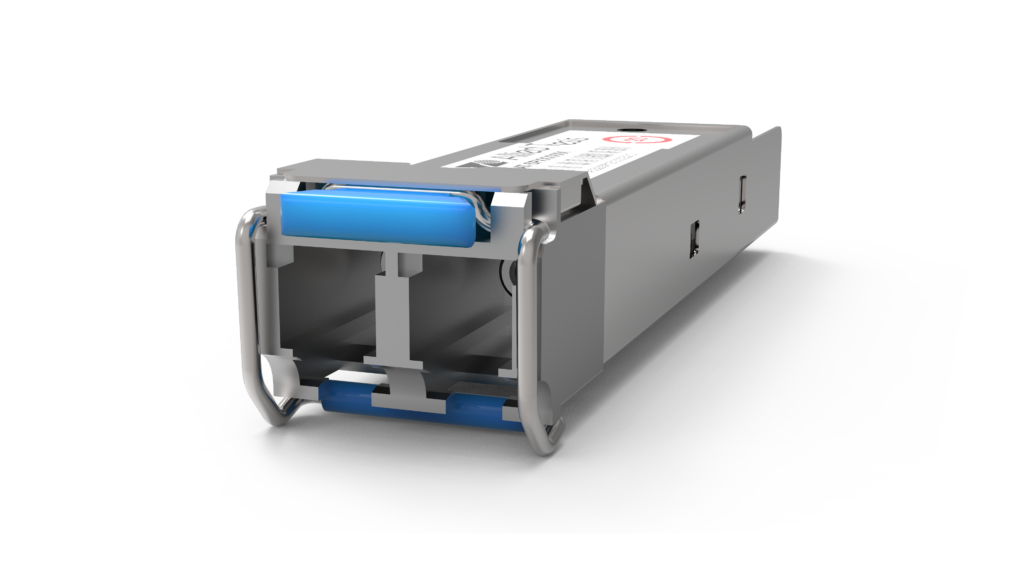
SP10SR
10G (LC), multi-mode, 300m
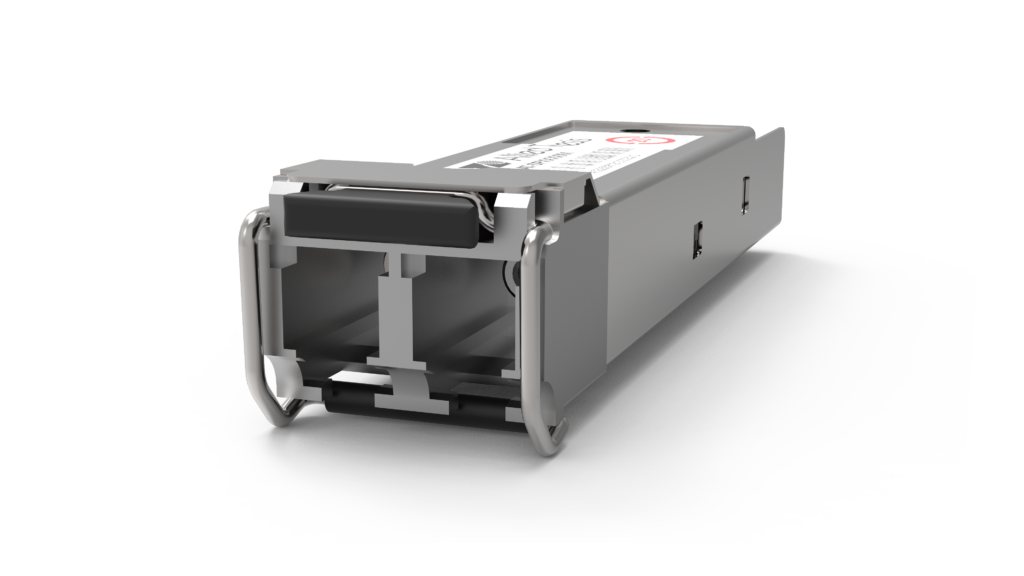
SP10SR/I
10G (LC), multi-mode, I-Temp, 300m
SP10LRa/I
10G (LC) single-mode SFP+, 10km, with Industrial Temperature rating.
SP10ZR80/I
10G (LC) single-mode, 80km
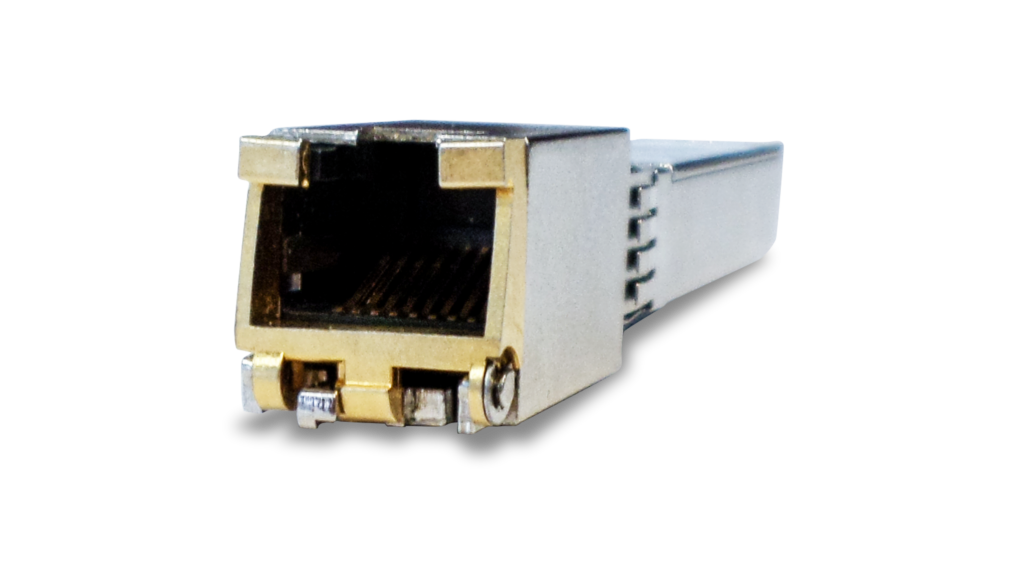
SP10TM
10/100/1G/2.5G/5G/10G, 30m/100m
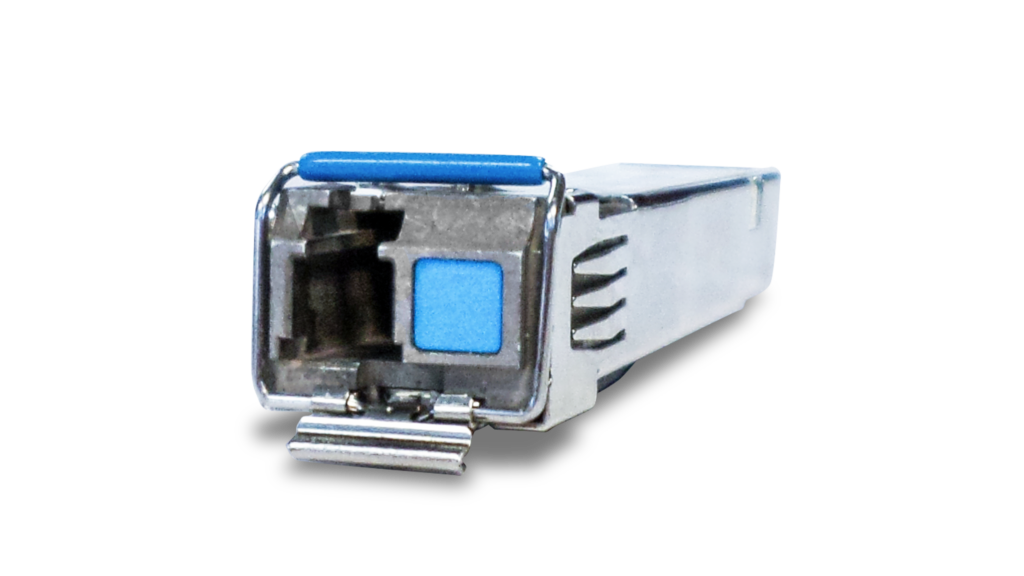
SP10BD10/I
10G (LC) single-mode BiDi, I-Temp, 10km
SP10BD20
10G (LC) single-mode BiDi, 20km
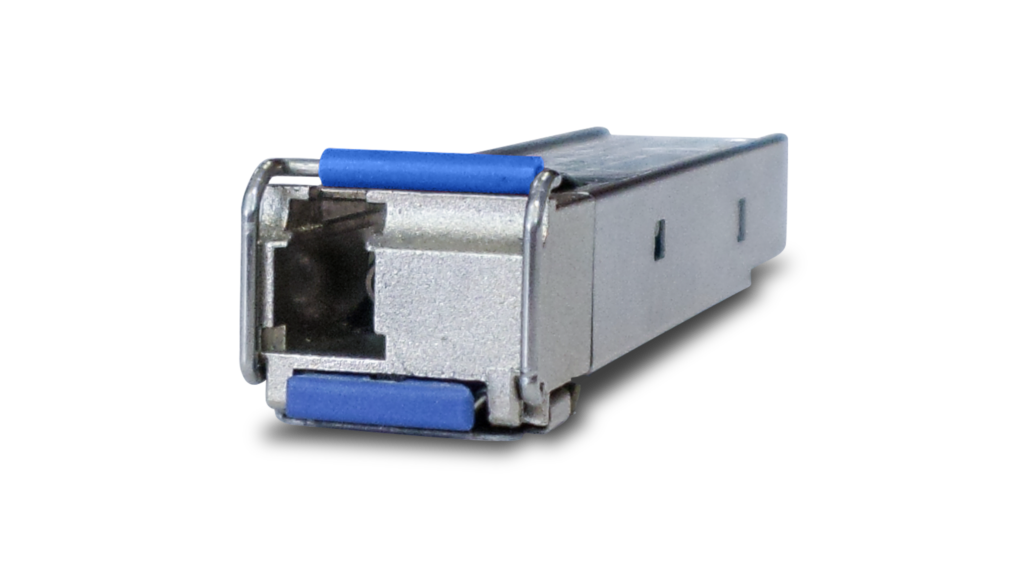
SP10BD40/I
10G (LC) single-mode BiDi, I-Temp, 40km
Documentation
Video: Allied Telesis x240 Series Multi-Gigabit Edge Switches
The x240 Series Layer 3 multi-gigabit switches offer an impressive set of features in a compact design.

Continuous PoE
Uninterrupted power to cameras and other sensors, even when the switch is rebooted.

Video: How Active Fiber Monitoring Protects Your Data
This video shows how Active Fiber Monitoring helps protect your data by sensing changes in light on fiber cables.

Video: Vista Manager EX Visual Management
Vista Manager EX works with AMF and AWC to deliver single-pane-of-glass visibility of your wired, wireless, SD-WAN, and third-party devices.

Video: Vista Manager Health Monitoring Dashboard
A video on how to navigate the Vista Manager health monitoring dashboard.
Video: Introducing AMF
Allied Telesis Autonomous Management Framework (AMF) is a powerful suite of management tools that can automate your everyday network administration tasks.
Video: AMF Auto-Backup
Network back-ups automated with Allied Telesis Autonomous Management Framework (AMF).

Video: AMF Auto-Provisioning
Network automation with the Allied Telesis Autonomous Management Framework (AMF).

Video: AMF Auto-Upgrade
Automating a large complex network with Allied Telesis Autonomous Management Framework (AMF).
Video: AMF Centralized Network Management
Management of modern complex networks can be greatly simplified with Allied Telesis Autonomous Management Framework (AMF).
Video: Live Demo of AMF Zero-Touch Auto-Recovery
A live demonstration of the auto-recovery feature of Allied Telesis Autonomous Management Framework (AMF).

Video: Vista Manager EX Traffic Monitoring
Vista Manager’s color-coded traffic monitoring map shows network utilization at a glance, making proactive network management simple.
Related Videos
Video: Allied Telesis x240 Series Multi-Gigabit Edge Switches
Continuous PoE