
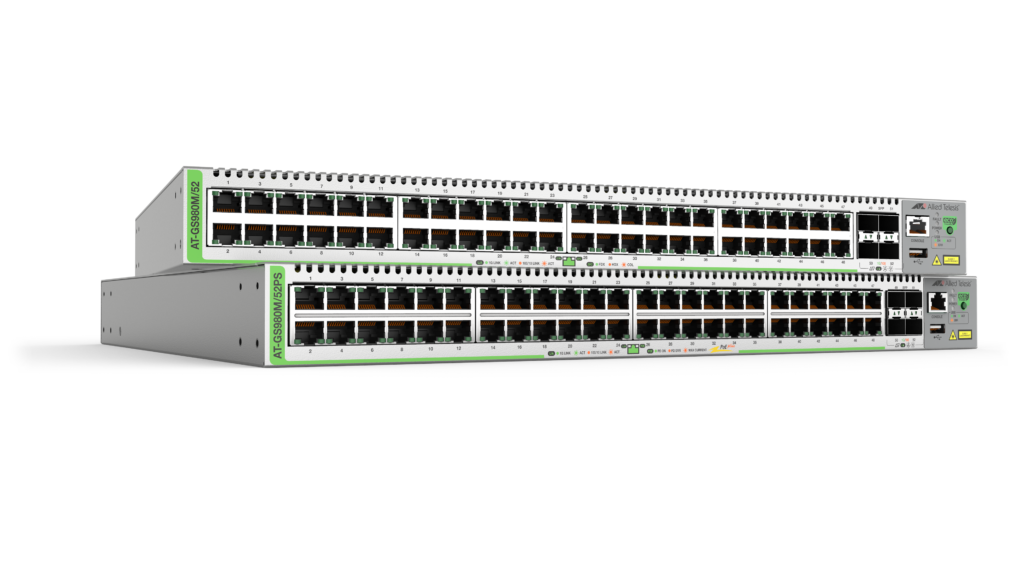
The Allied Telesis CentreCOM GS980M Series of Layer 3 Gigabit switches enable a cost-effective and fully managed network. A high-density, space saving solution, with Power over Ethernet (PoE+) to connect and power devices such as video surveillance cameras and IP phones, makes the GS980M Series ideal for applications at the network edge.
Overview
- Expand network reach while keeping simple operation in distributed environments with long-distance fiber connectivity
- High speed gigabit network access for power users
- Reduce costs and automate network and device management with Autonomous Management Framework™ Plus (AMF Plus)
- Support converged networks with PoE+ to power devices like wireless access points, digital surveillance cameras and IP phones
Key Features
- Active Fiber Monitoring™ (AFM)
- AlliedWare Plus™ feature-rich operating system
- Autonomous Management Framework™ Plus (AMF Plus) edge node
- DHCP snooping
- Eco-friendly
- Ethernet Protection Switched Ring (EPSRing™)
- IEEE 802.1x/MAC/web authentication support
- Loop Protection
- Static Routing and RIP
- Web-based Graphical User Interface (GUI)
Certifications and Compliance

IPv6 Ready
Run by the IPv6 Forum, IPv6 Ready certification demonstrates conformance to IPv6 standards and validates interoperability of IPv6 products.
Specifications
| Product | 10/100/1000T (RJ-45) Copper Ports | 100/1000X SFP Ports | Max PoE+ Enabled | Total Ports | Switching Fabric | Forwarding Rate |
|---|---|---|---|---|---|---|
| GS980M/52PS | 48 | 4 | 48 | 52 | 104Gbps | 77.4Mpps |
| GS980M/52 | 48 | 4 | – | 52 | 104Gbps | 77.4Mpps |
Physical
| Product | Width x Depth x Height | Mounting | Unpackaged Weight | Packaged Weight | Packaged Dimensions |
|---|---|---|---|---|---|
| GS980M/52PS | 441 x 359 x 44 mm (17.36 x 14.13 x 1.73 in) |
1RU Rack-mount | 5.8 kg (12.79 lbs) | 7.8 kg (17.20 lbs) | 575 x 520 x 150 mm (22.64 x 20.47 x 5.90 in) |
| GS980M/52 | 441 x 323 x 44 mm (17.36 x 12.72 x 1.73 in) |
1RU Rack-mount | 4.5 kg (9.92 lbs) | 6.4 kg (14.12 lbs) | 575 x 445 x 150 mm (22.64 x 17.52 x 5.90 in) |
Power and Noise Characteristics
| Product | No PoE Load Max Power Consumption | No PoE Load Max Heat Dissipation | No PoE Load Noise | Full PoE+ Load (PWR800) Max Power Consumption | Full PoE+ Load (PWR800) Max Heat Dissipation | Full PoE+ Load (PWR800) Noise | PoE Budget Power | 15W PoE Sourcing Ports | 30W PoE+ PoE Sourcing Ports |
|---|---|---|---|---|---|---|---|---|---|
| GS980M/52PS | 48W | 164 BTU/h | 42 dBA | 909W | 3012 BTU/h | 42 dBA | 740W | 48 | 24 |
| GS980M/52 | 47W | 160 BTU/h | 39 dBA | – | – | – | – | – | – |
Ordering Information
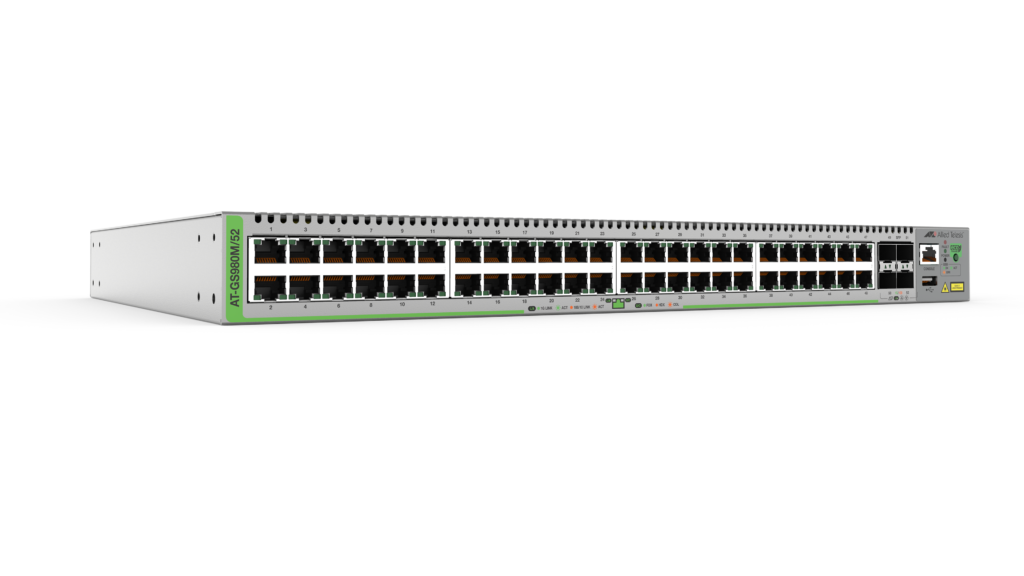
AT-GS980M/52-xx
48 10/100/1000T switch with 4 SFP slots
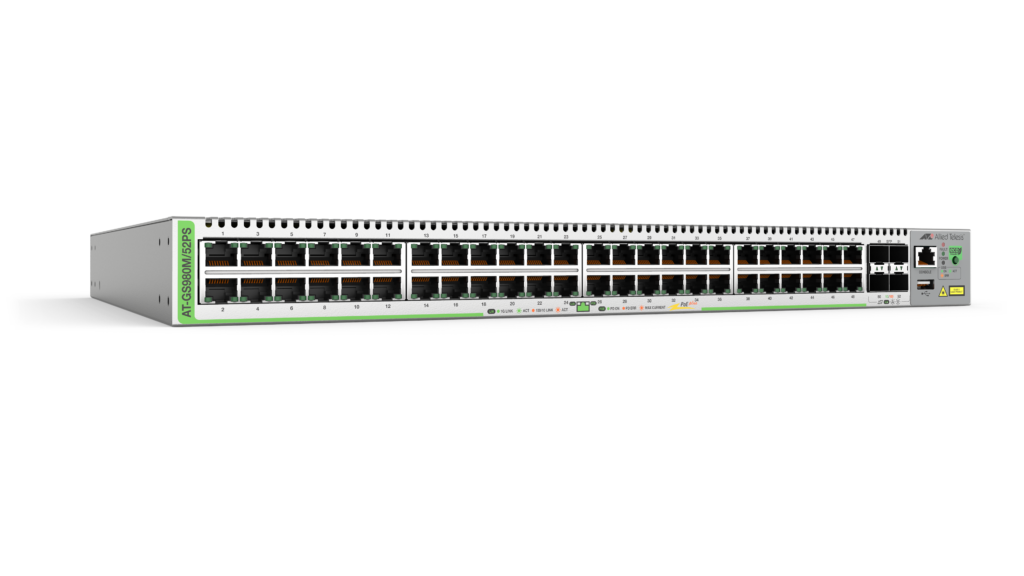
AT-GS980M/52PS-xx
48 10/100/1000T-POE+ switch with 4 SFP slots
19 inch rack-mount brackets included
Where xx =
10 for US power cord
20 for no power cord
30 for UK power cord
40 for Australian power cord
50 for European power cord
Feature Licenses
| Name | Description | Includes |
|---|---|---|
| AT-FL-GS98M-CP | Continuous PoE license | CPoE |
All Models
Accessories
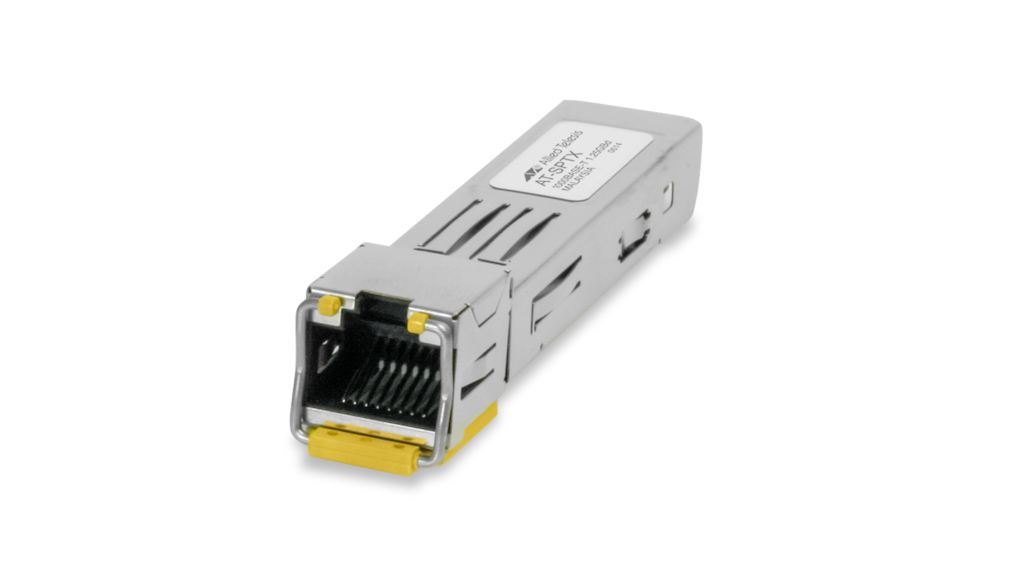
SPTX
10/100/1000T (RJ-45), 100m
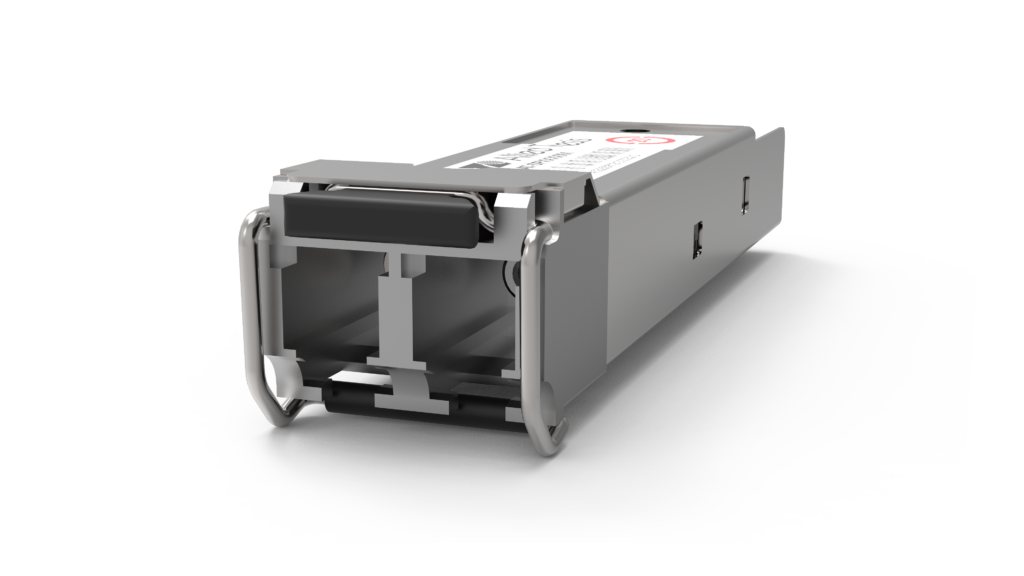
SPSX
1000SX (LC), multi-mode, 220-550m
SPSX/I
1000SX (LC) multi-mode, I-Temp, 220-550m
SPEX
1000SX (LC) Multi-Mode, 2km
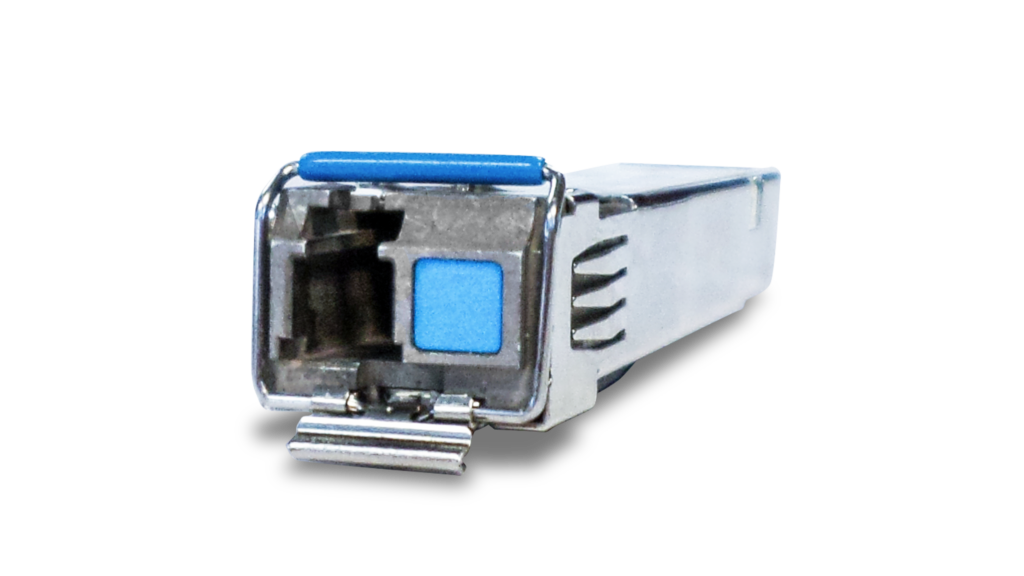
SPBD10
1000LX (LC) single-mode BiDi, 10km
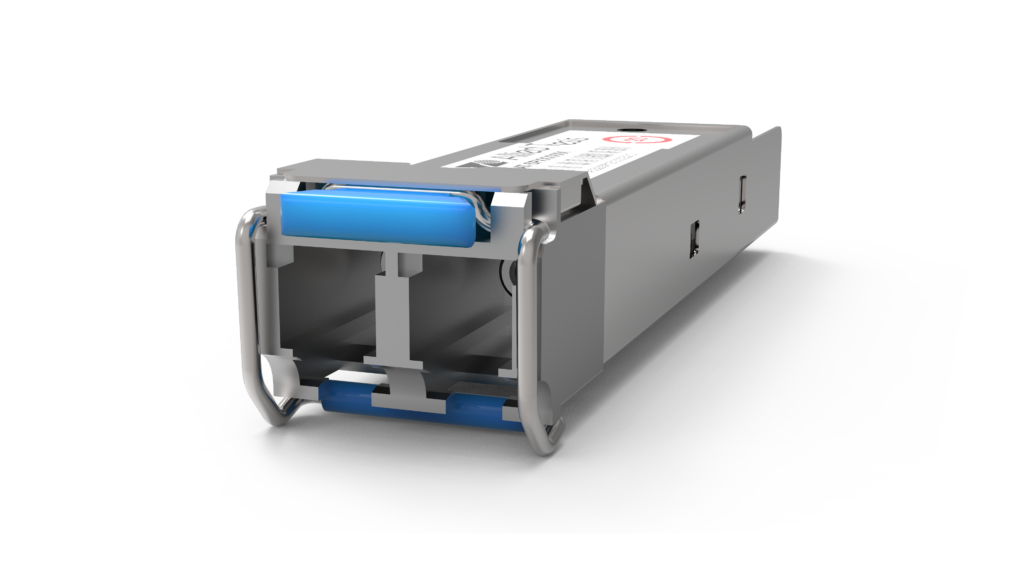
SPLX40
1000EX (LC), single-mode, 40km
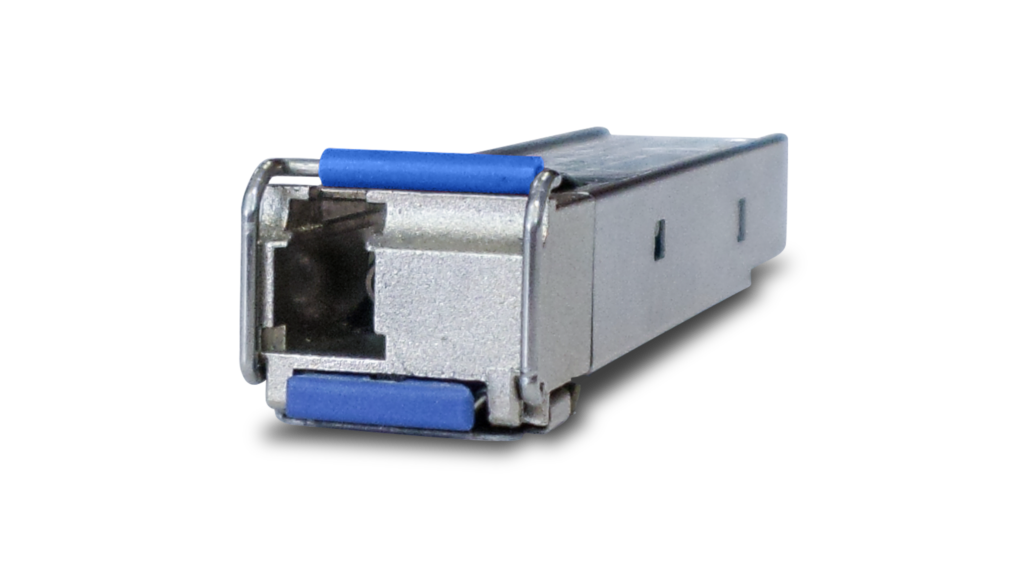
SPBD40-xx/I
1000LX (LC) single-mode BiDi, I-Temp, 40km
SPFX/2
100FX (LC), multi-mode, 2km
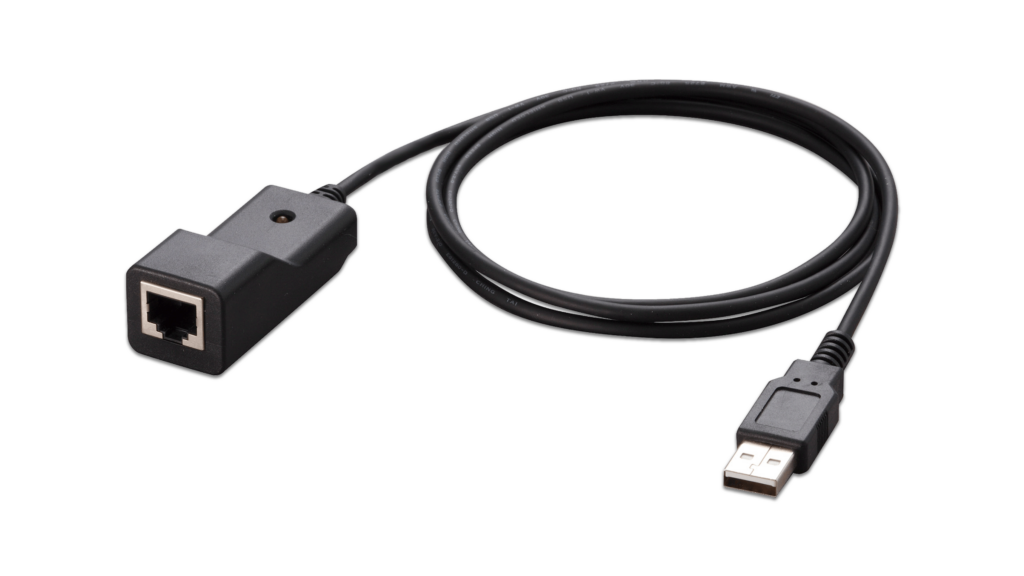
VT-Kit3
Management cable (USB to Serial Console)
SPTXc
10/100/1000T (RJ-45), 100m
Documentation

Video: Self-Defending Network
The self-defending network protects your wired and wireless network from internal threats, by automatically quarantining suspect devices.

Continuous PoE
Uninterrupted power to cameras and other sensors, even when the switch is rebooted.
Video: How Active Fiber Monitoring Protects Your Data
This video shows how Active Fiber Monitoring helps protect your data by sensing changes in light on fiber cables.
Video: Total Autonomous Networking
Total Autonomous Networking ensures business security and agility, with powerful automation and optimization features across the LAN and WAN.

Datasheet: CentreCOM GS980M
Product Information for the CentreCOM GS980M/52 managed Gigabit edge switches

Installation Guide: GS980M Series
This guide contains the installation instructions for the AT-GS980M/52 and AT-GS980M/52PS Gigabit Ethernet switches.
Getting Started with the Device GUI on Switches
This guide shows how to manage an Allied Telesis switch running the AlliedWare Plus operating system using the Device GUI.

Web-based Device GUI Release Notes
These release notes describe the fixes and enhancements on the Allied Telesis Web-based Device GUI.
AAA and Port Authentication Feature Overview and Configuration Guide
This guide describes the AlliedWare Plus implementation of Authentication, Accounting and Authorization and Port Authentication.
Access Control List (ACL) Feature Overview and Configuration Guide
This guide describes ACLs (Access Control Lists) and their configuration on AlliedWare Plus™.
AMF Feature Overview and Configuration Guide
The Autonomous Management Framework (AMF) is a suite of features that combine to simplify network management across all supported network equipment from the core to the edge.
Bootloader and Startup Feature Overview and Configuration Guide
This guide describes the startup process used by AlliedWare Plus™ devices.
Related Videos
Video: Self-Defending Network
Continuous PoE